Land your dream job with ATS Resume Templates
ATS Friendly
Professional
Customizable Templates
Build your resume with our free ATS-friendly resume templates that beat applicant tracking systems and help you get your dream job faster.


540k+
resumes created









Best Resume Templates To Customize and Download
Browse our collection of professional, modern, and ATS-optimized resume templates designed by industry experts to help you stand out and land more interviews. Just pick the right template, edit and download your resume.
All

What is an Applicant Tracking System (ATS)?
Applicant Tracking System is a software tool used by hiring managers to automate the process of hiring. It helps recruiters in every step, from posting a job online to collecting and assessing resumes.
ATS is an important consideration for a candidate to keep in mind, as your resume will only reach the recruiter if ATS accepts it. One of the main steps to take care of is your resume template.
ATS resume templates are those that are designed to pass this ATS test. A main mistake that you must avoid is neglecting the importance of the ATS resume template in beating ATS.
Why ATS Compatibility Matters in Modern Job Applications?
💡 If you have ever applied for a number of jobs but received no callbacks, it might not always mean you lack skills, but most of the time, it means that your resume is not ATS-compatible without a proper ATS resume template.
When you apply for a job online, your application does not go straight to the recruiter but to the ATS. So, your first recruiter will be an ATS to whom you must present yourself as the right fit for the role.
To convince the ATS to pass your resume and rank it higher, your resume must be ATS-compatible. If your resume is not ATS compatible, your resume might get rejected in the first stages itself, even if you are qualified.
To avoid this, you must focus on certain things, one of the most important ones being the ATS resume template. The ATS checks your resume for:
Correct formatting (ATS CV templates enhance readability so that ATS can easily parse your resume. Check ATS-friendly resume templates here.)
Relevant keywords. Check if your resume has the important keywords.
Clear section headings like 'Work Experience', 'Skills', etc.
File compatibility (PDF or DOCX).
To ensure your resume is ATS-friendly or not is a good step to take before submitting your application.
Understanding ATS-Friendly Resume Design
Building an ATS-friendly resume with ATS CV templates is crucial. Without these, you might not even get interview calls. Well, what exactly is this ATS-friendliness and how to create an ATS-friendly resume?
To create an ATS-friendly resume, you have to understand what makes a resume more readable and easily parsable by ATS.
Key Features of ATS-Compatible Resumes
Standard Section Headings
The section names you give in your resume should be easily interpreted by the ATS accurately. Some candidates write section headings informally, which is hard for the ATS to understand.
For example, if you name your experience section as 'Work Experience', ATS can easily understand this because this is a familiar naming style, and also, recruiters would have trained ATS to identify this title and parse it.
But if you name your work history section like 'What I Have Done', 'My Journey', etc, they sound unfamiliar to ATS and it may misinterpret and fail to categorise that section, which reduces the overall ranking of your resume.
Use:
Contact Information
Professional Summary / Summary / Career Summary
Work Experience / Experience / Professional Experience / Employment History
Education
Skills / Technical Skills / Soft Skills
Certifications
Projects
Avoid:
Reach Me At / Ping Here / Let's Connect
My Story / About Me / Who I am / Background / Career At a Glance
My Journey / What I Have Done / Career Timeline / Where I Worked
Learning Journey / Schooling / Where I Studied / My Academic Story
Talents / What I am Good At / Things I Can Do / Capabilities
My Badges / Credibility Proofs
Work Samples / Things I Built / Project Memories
Correct Formatting
Do not include any graphics, images, complex tables, etc. These might look attractive to human eyes, but when it comes to ATS, ATS cannot process these accurately.
This will lead to losing your important details. Stick to plain text and use simple and neat layouts. Use readable fonts like Arial, Times New Roman, or Calibri and a point size of 10-12 points.
To make it even easier, there are ATS-friendly resume templates that are neatly structured and categorised into sections.
Relevant Keywords
Include the keywords from the job description. These keywords might be in the form of skills, achievements, tools, certifications, etc.
The other step is that your achievements section or work experience section should have action verbs that strengthen the impact. When ATS comes across these keywords and action verbs, it understands that your competency matches the job demands.
Action verbs you can use:
Led
Demonstrated
Increased
Reduced
Boosted
Enhanced
Launched, and other similar verbs
Correct File Format
Submit your resume in either PDF or DOCX format unless specified in the job description. These formats are standard and comfortable for ATS, making the resume parsing effective.
Also, ensure your resume is devoid of any spelling and grammatical errors to avoid misinterpretation by ATS.
Common Mistakes That Cause ATS Rejection
The mistakes that cause ATS rejection are neglecting all the key features that make your resume ATS-friendly. To avoid these mistakes, build ATS-friendly resumes and check for ATS compatibility before submitting.
Avoid unusual headings as specified in the above section. Use standard section headings.
Do not include graphical elements like images, tables, etc. These can prevent ATS from accurately interpreting your resume.
Avoid submitting your resume in Google Docs, Pages, etc. Use only PDF or DOCX.
Do not miss important and relevant keywords from the job description.
Avoid spelling and grammatical errors in your resume.
Comprehensive Guide to ATS Resume Templates
Top Free ATS Resume Templates
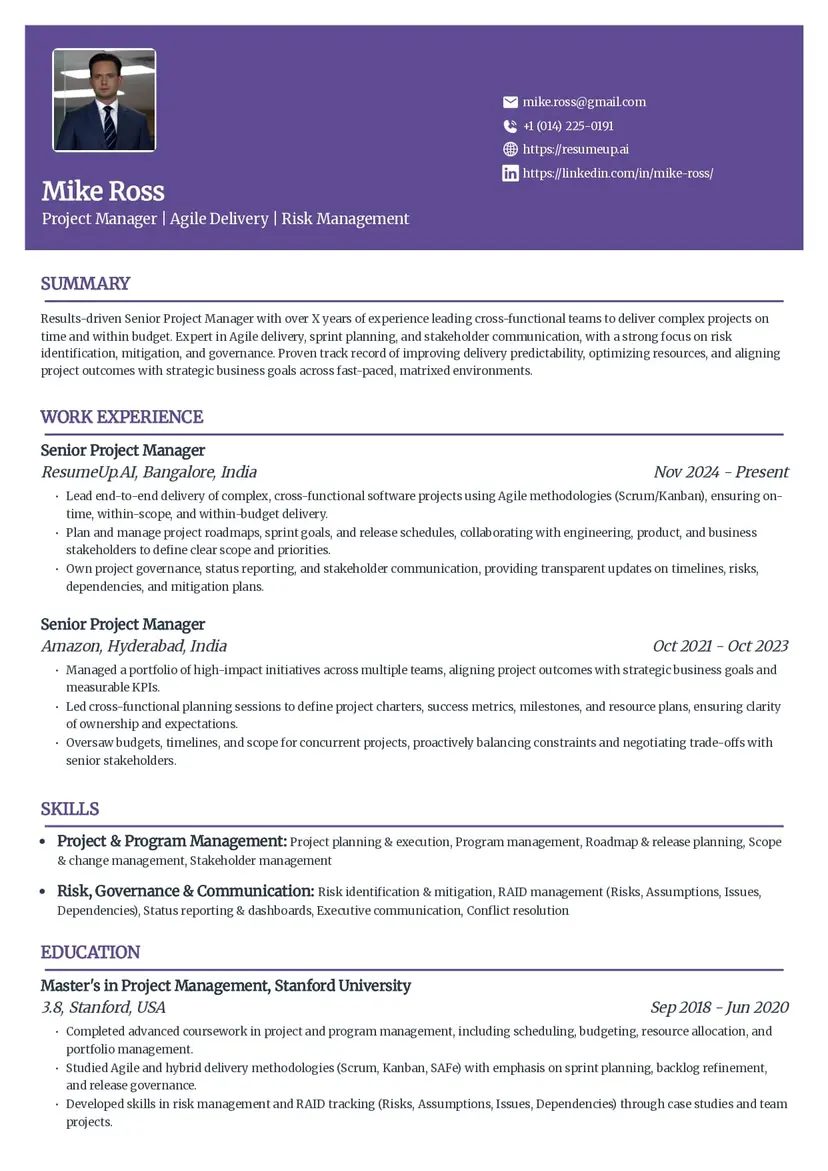
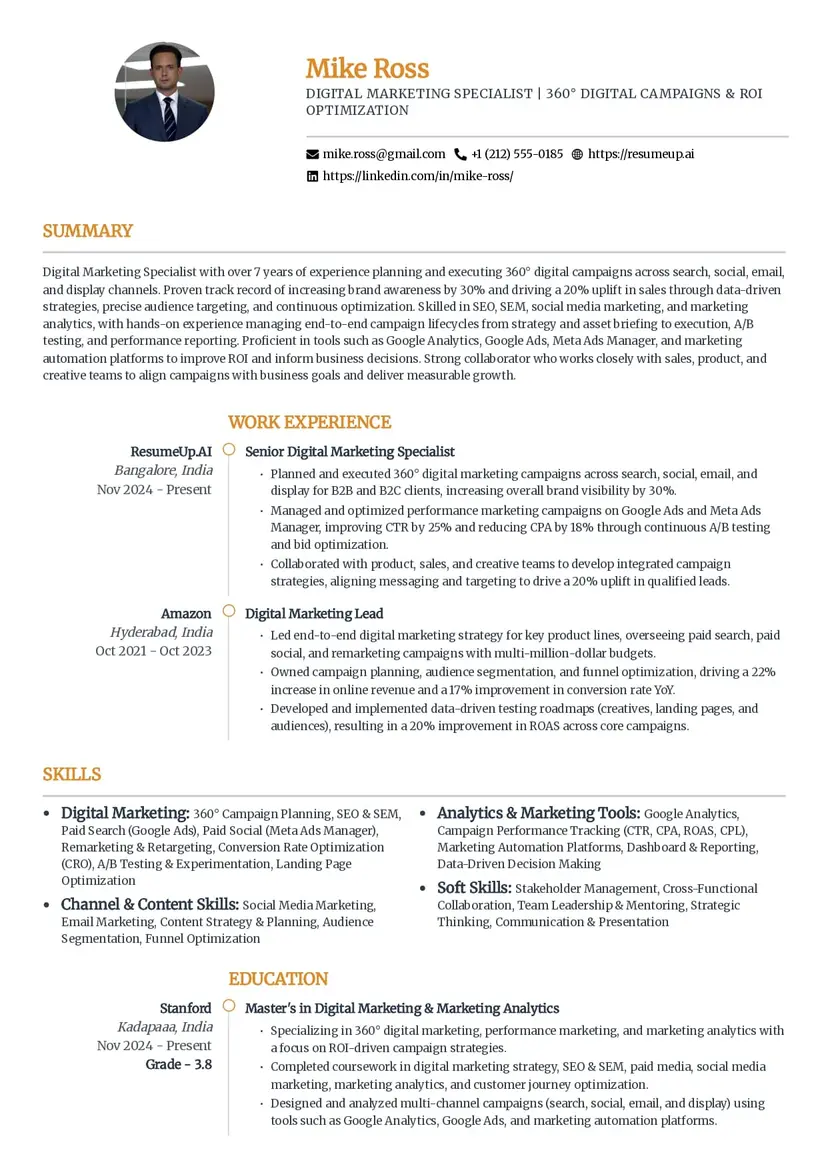
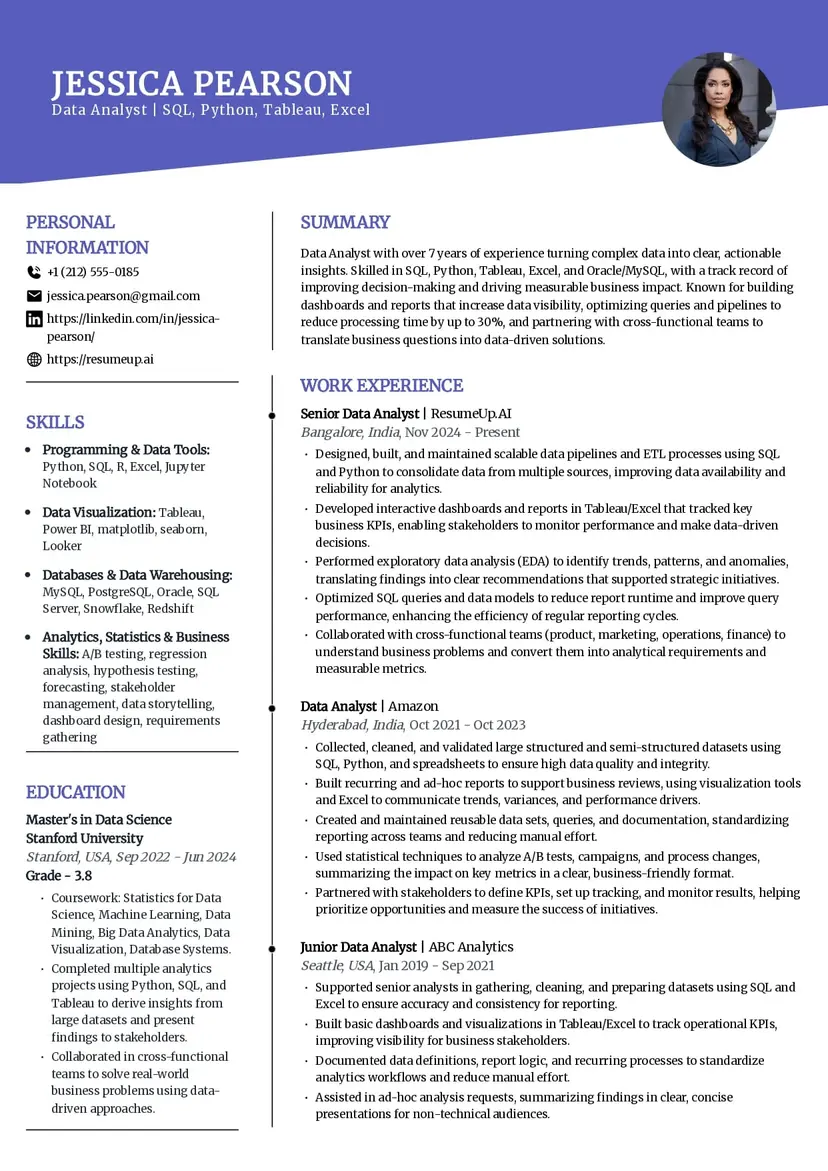
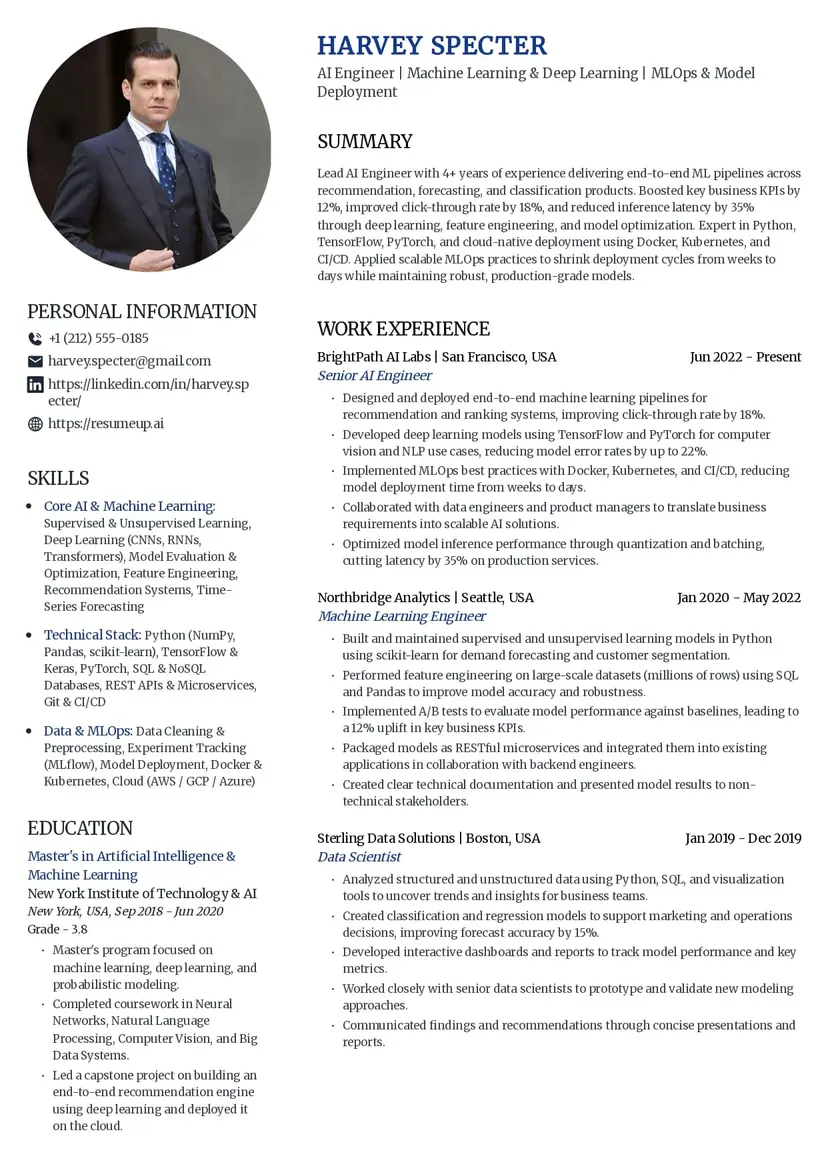
Executive
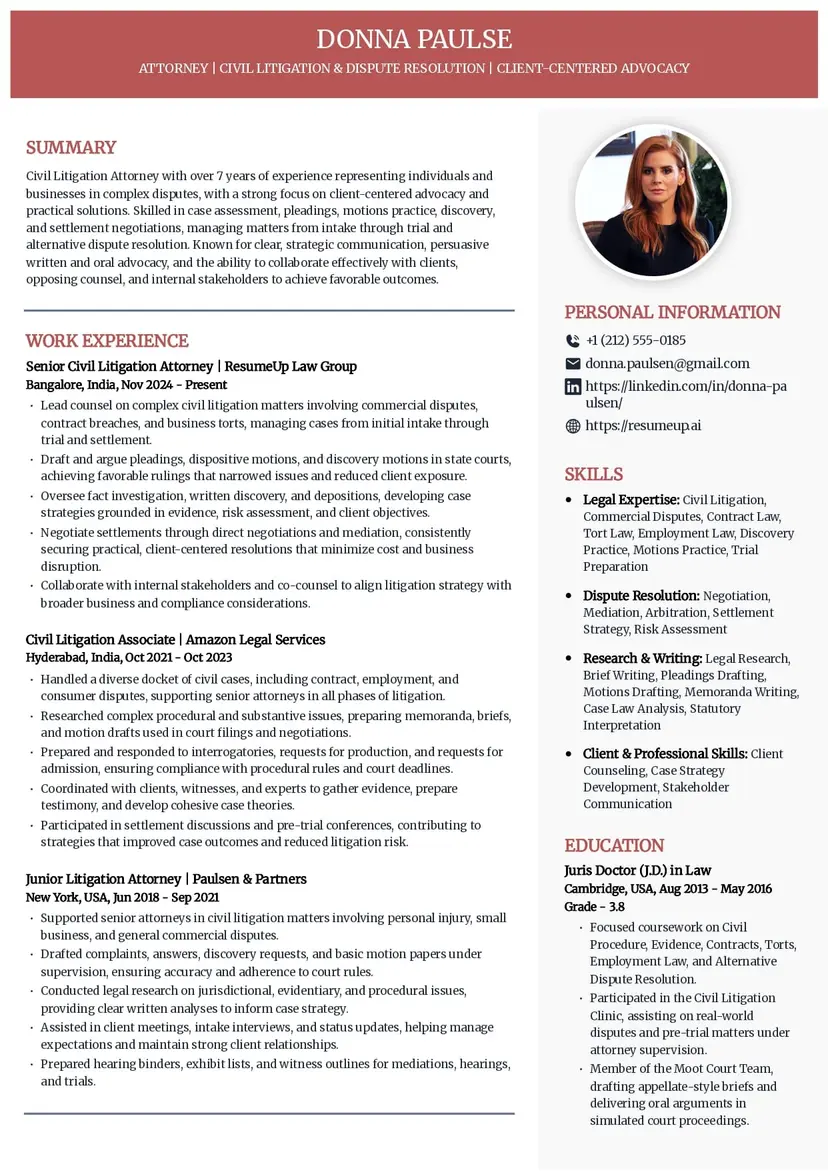
This free ATS resume template follows a clean structure. It is highly ATS-compatible because it has:
Standard section headings
No tables or graphics
Single-column reading order
Effective use of font colors
Pros of this ATS CV template
Professional appearance
ATS-friendly design
Covers all important sections
Cons of this ATS CV template
Includes your image, which ATS might not be comfortable processing
More suitable for experienced professionals, it might not suit freshers
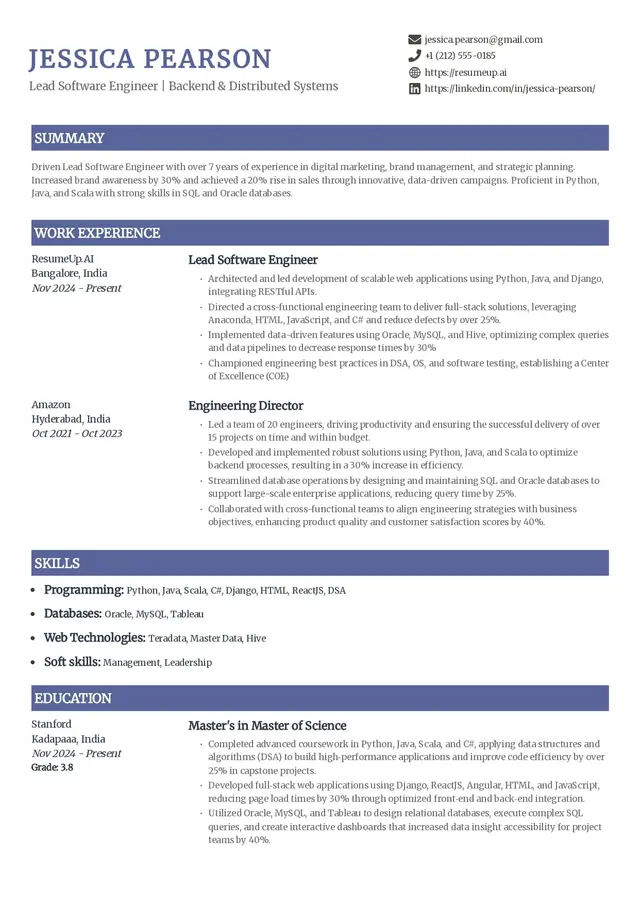
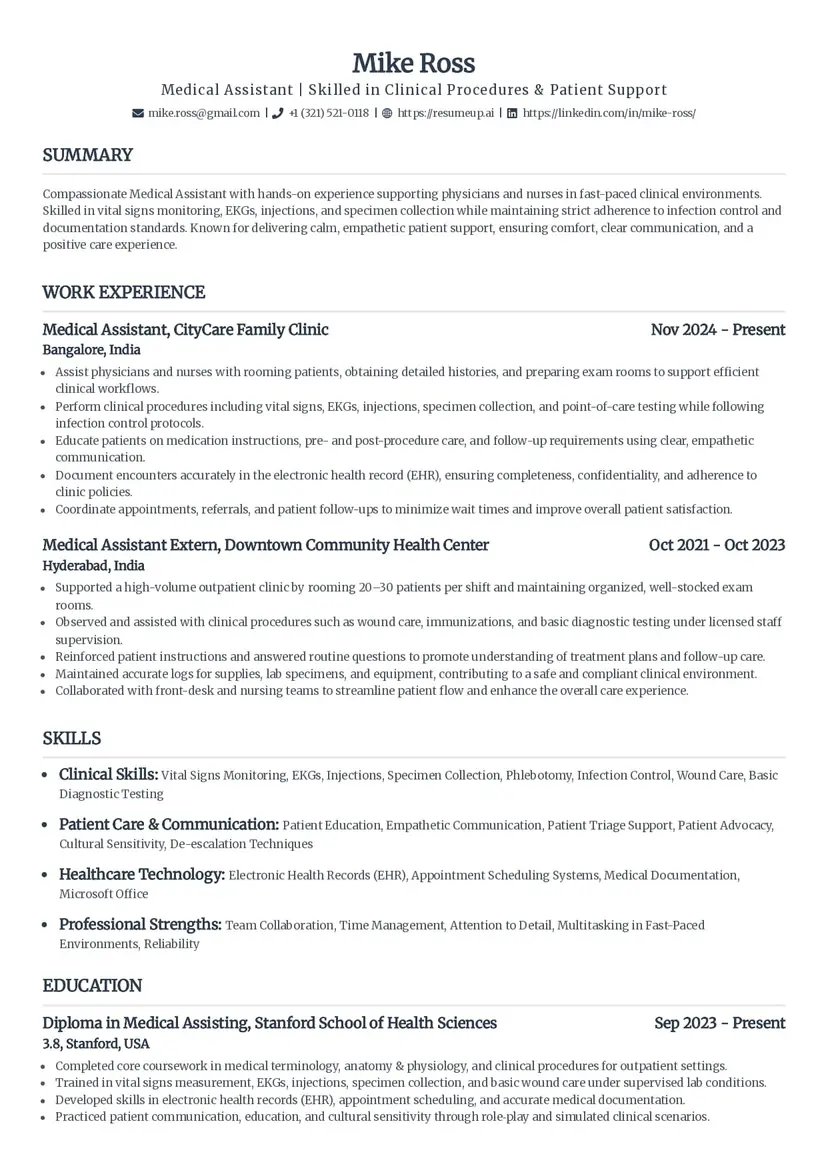
Simple
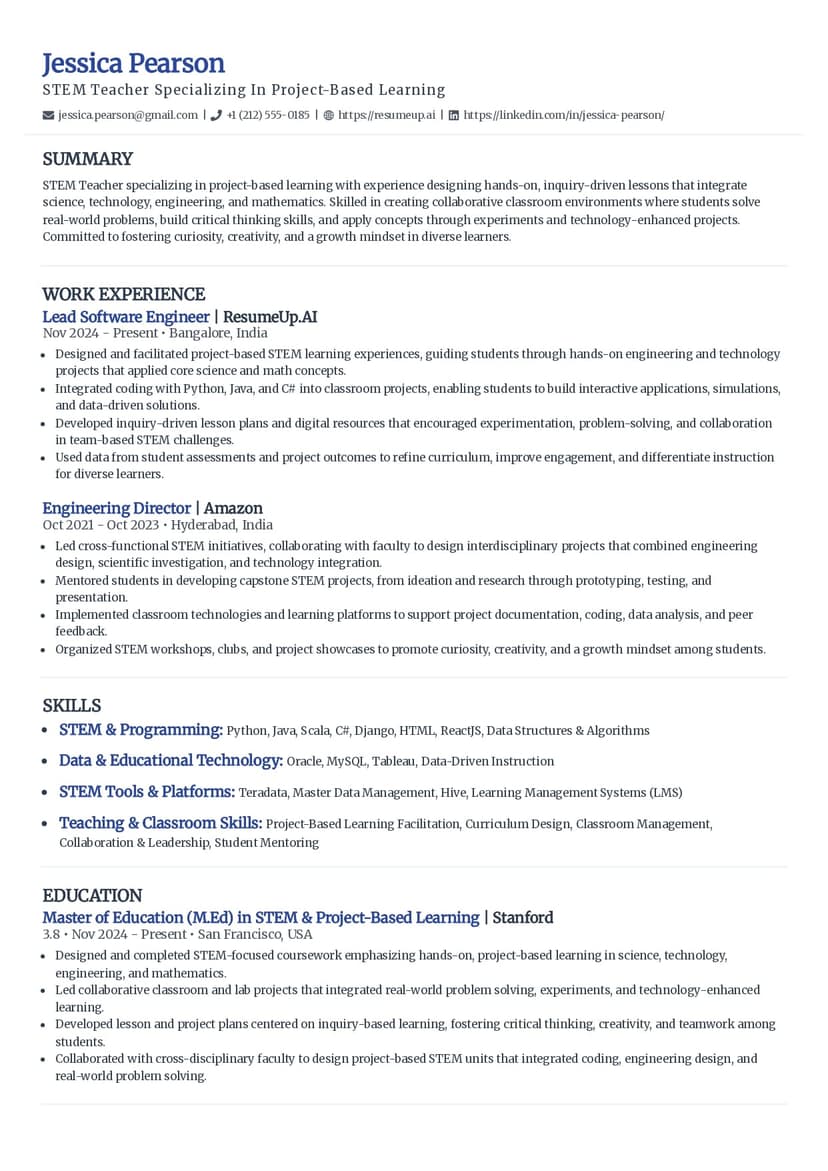
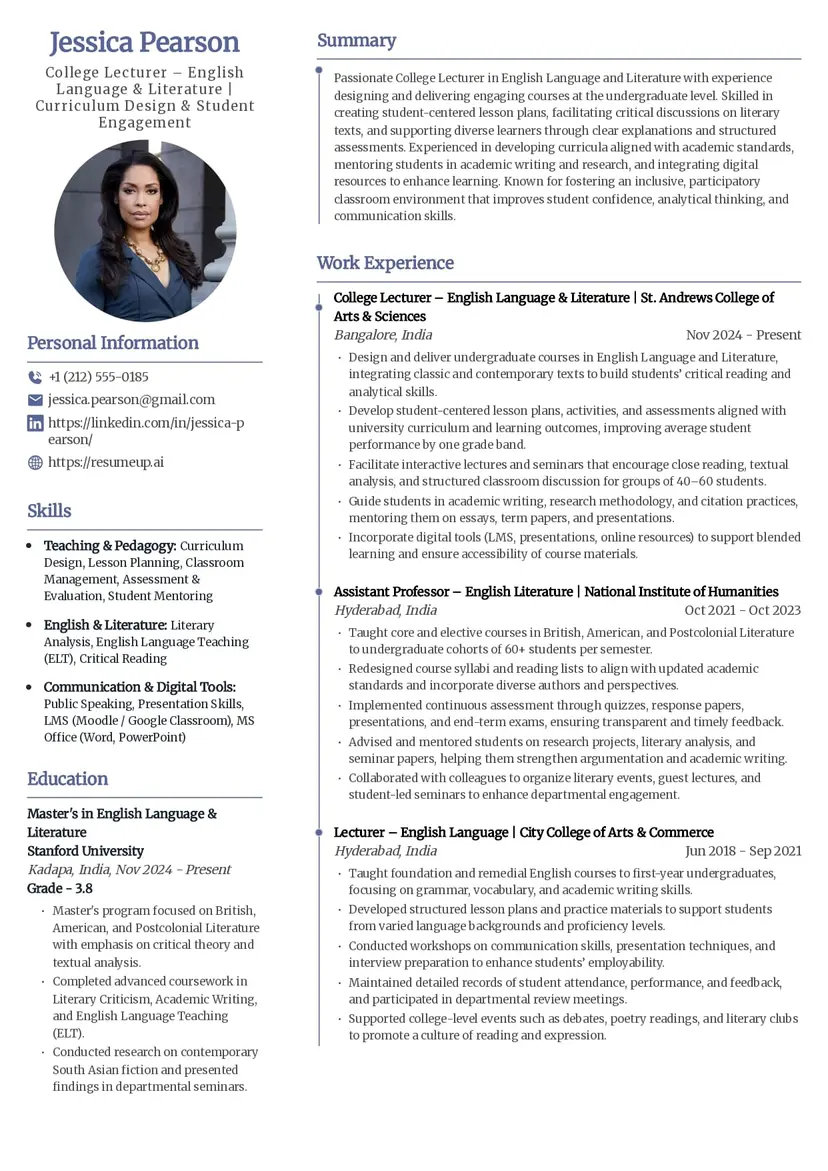
Simple is one of the simplest yet informative resume templates from ResumeUp. This ATS-friendly resume template prioritises readability and clean formatting. It uses a standard format with no graphical elements, making it more ATS-friendly.
Pros of a Simple ATS resume template
Ensures left-to-right scanning, most comfortable for ATS
Classic font and good spacing make it look professional
Educational details are easy to spot
Cons of a Simple ATS resume template
Might not stand out if a human is reviewing
No space for additional, but important sections like 'Certifications', 'Volunteering', etc.
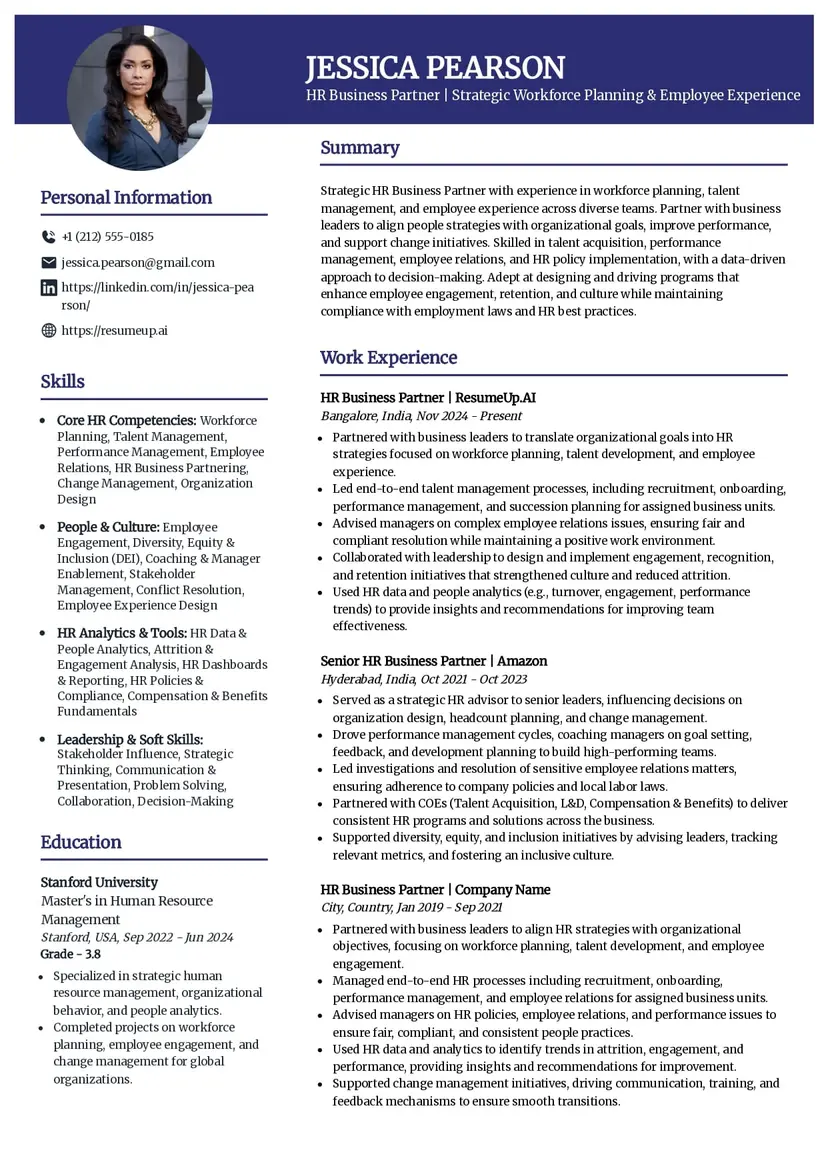
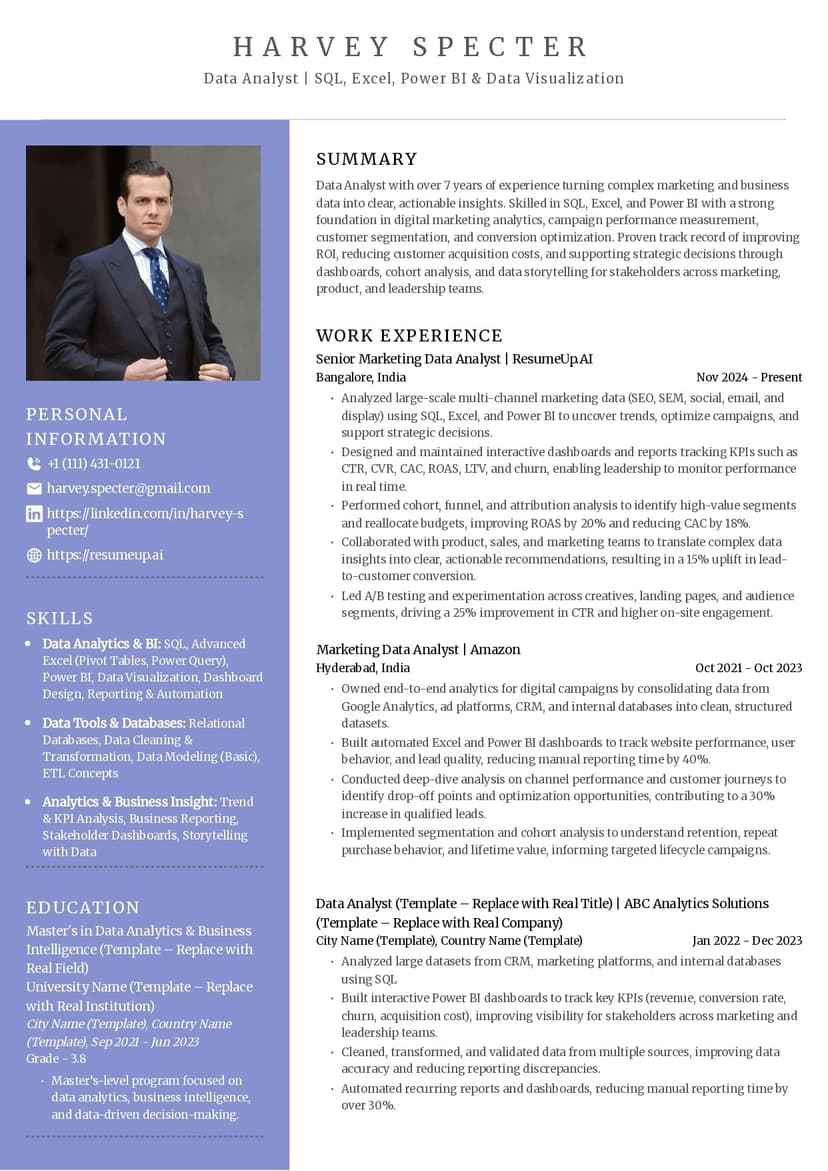
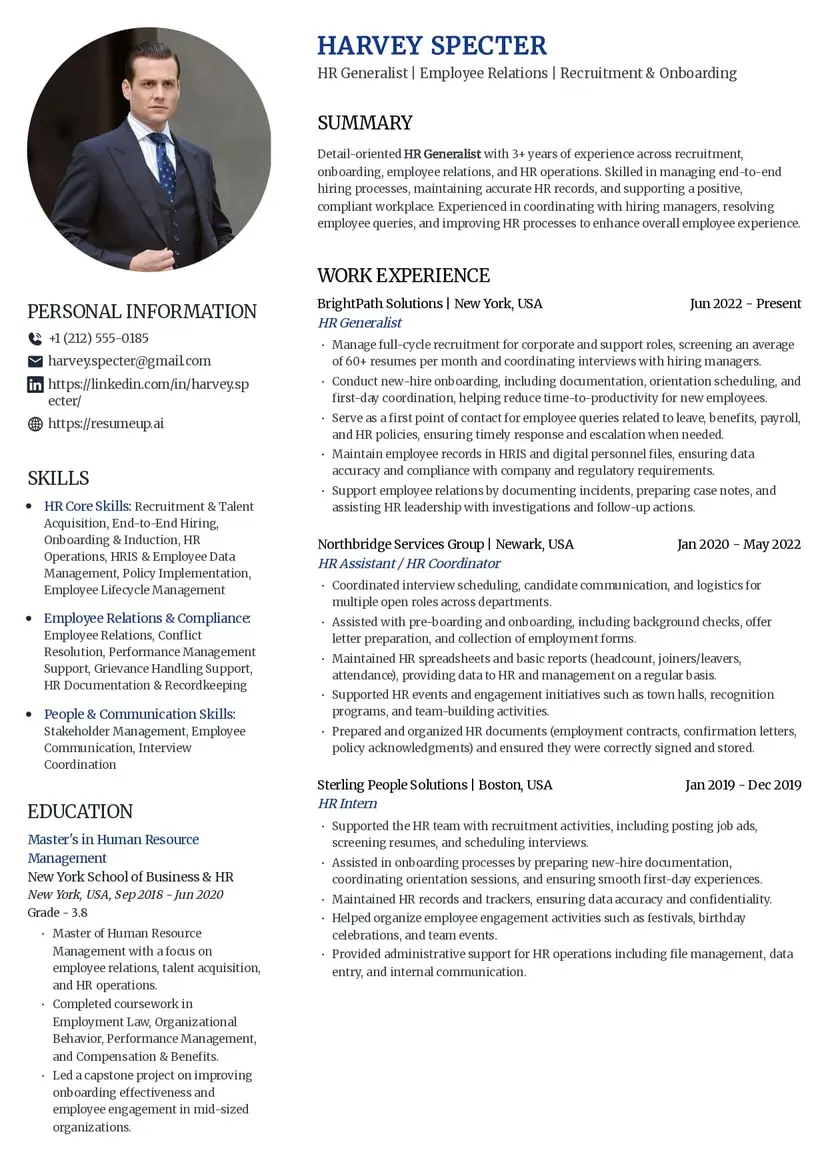
Innovative
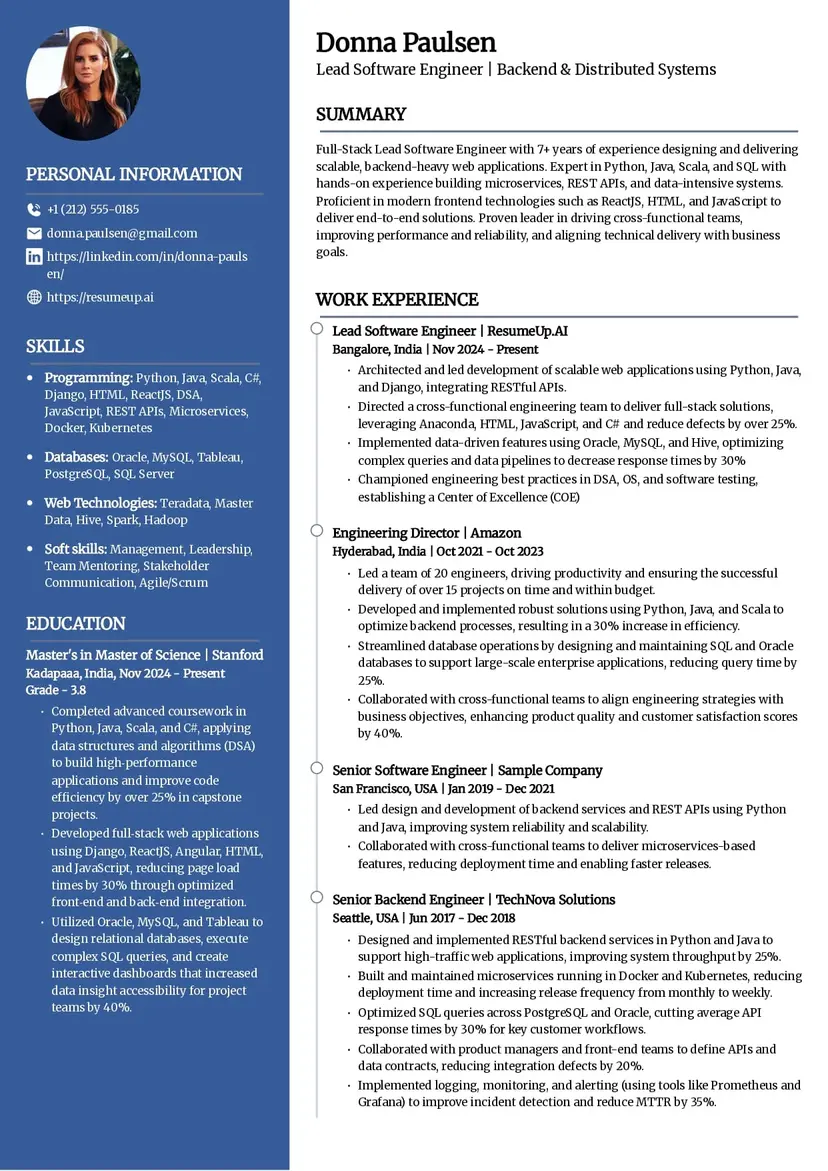
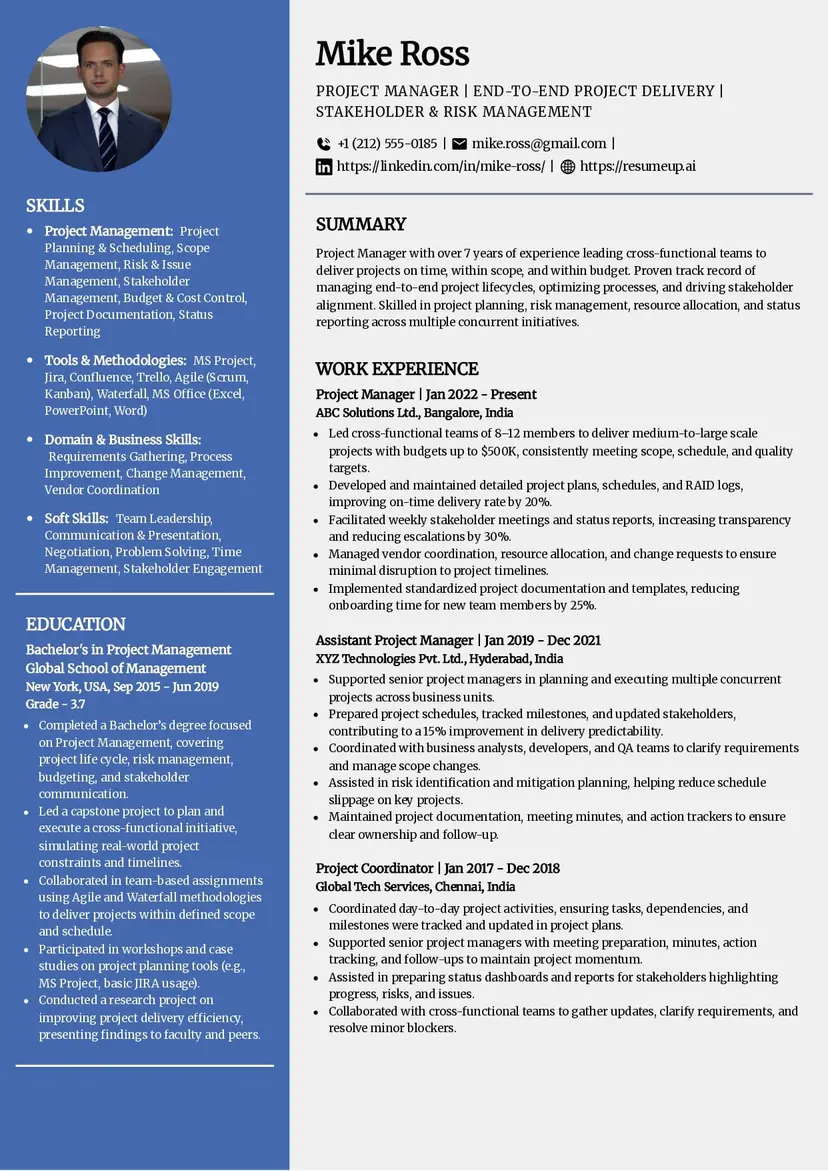
This is a visually modern resume template with a two-column layout. It easily stands out when reviewed by recruiters.
Pros of Innovative Resume Template
Visually rich with good use of white space
Important Sections like Education and Skills are on the sidebar for quick view.
Uses standard section headings
Cons of Innovative Resume Template
Might not be completely ATS compatible due to multiple columns and layout
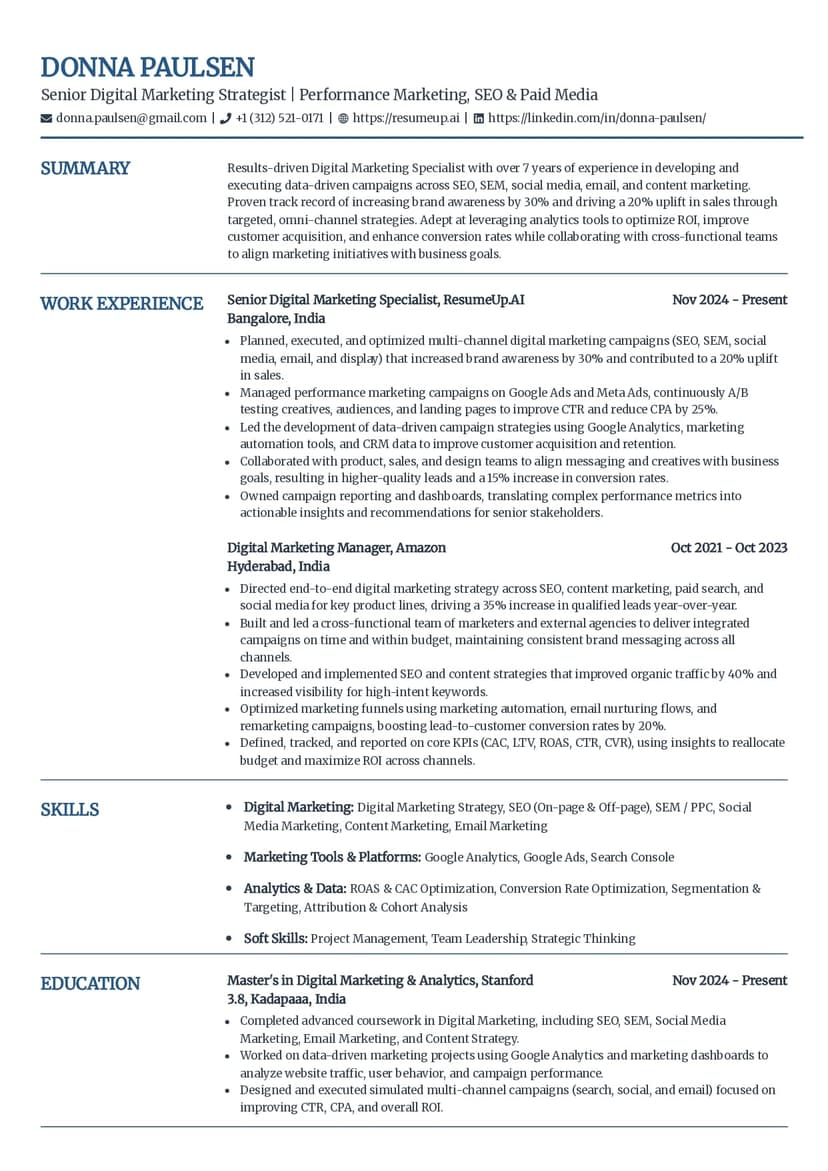
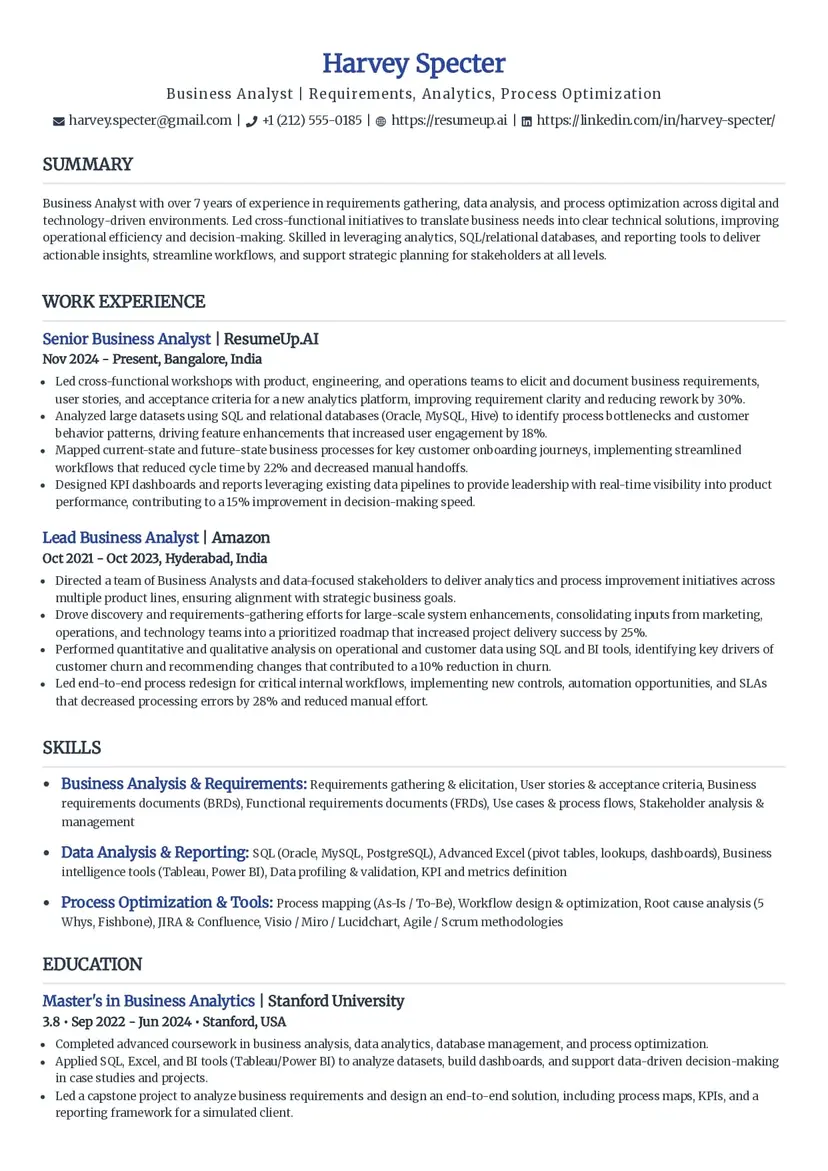
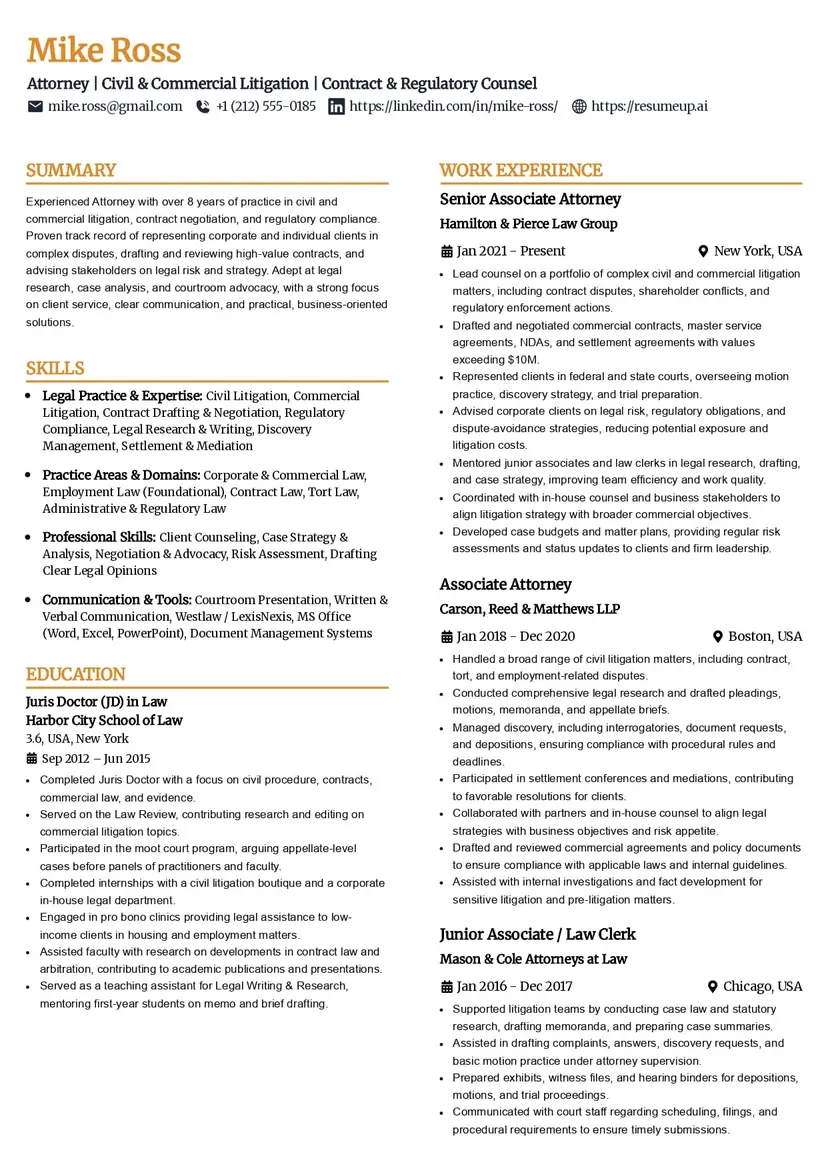
Pioneer
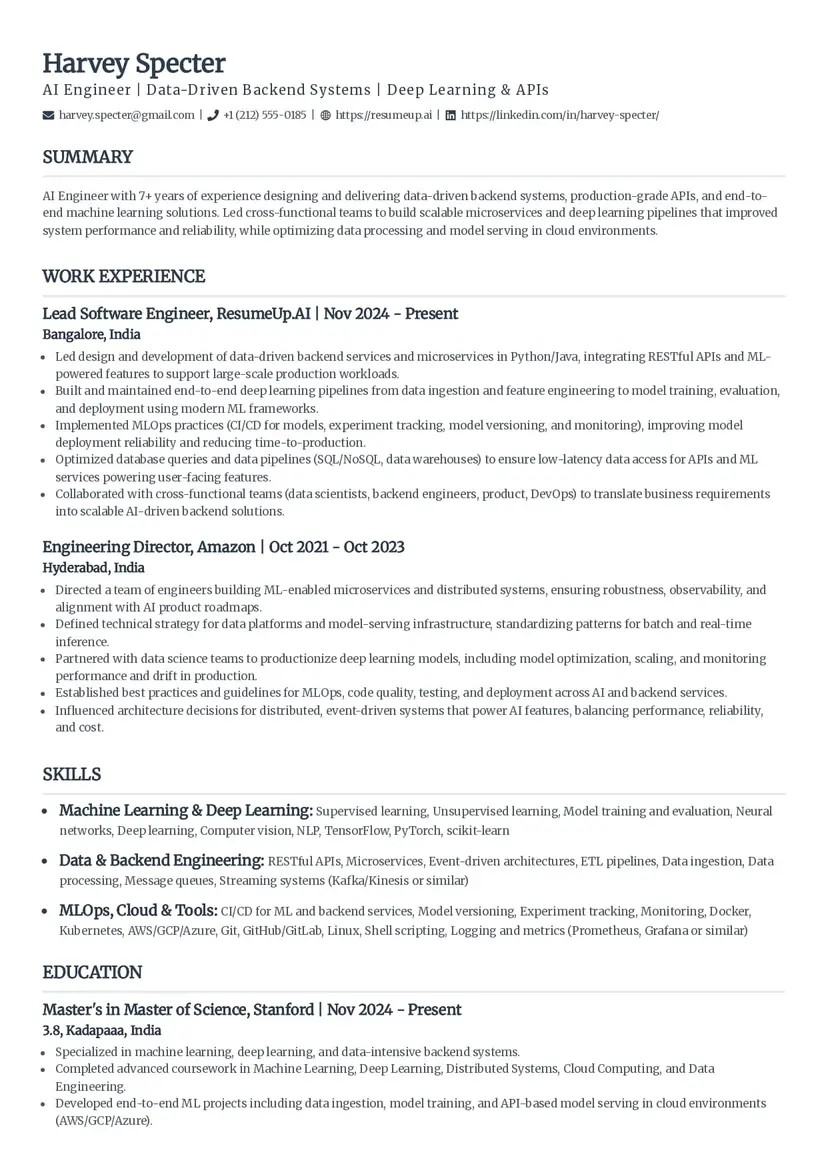
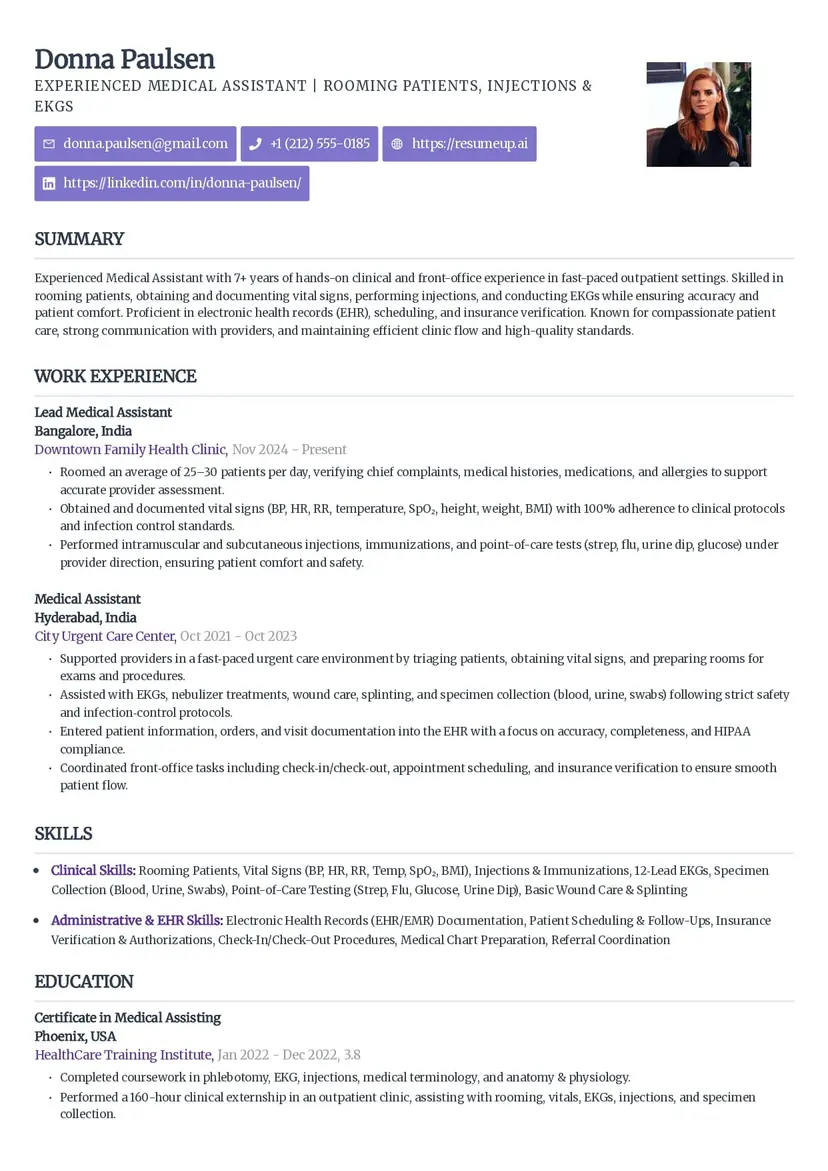
Pioneer is a simple, free ATS resume template from ResumeUp that has a clean layout and focuses more on the content.
Pros of Pioneer Resume Template
Uses section dividers for clarity
Professional look with well-labeled sections
Emphasizes skills effectively
Cons of Pioneer Resume Template
The reference section is not parsed by ATS.
Little emphasis on achievements and projects.
Premium ATS Resume Templates
Premium ATS resume templates are also available. They are listed below:
Catalyst
Craft
Visionary
Panorama
Elegant
Creative
Classic
Standard
Luminary
Zenith
Orbit
Sleek Framework
Voyage
Sculpt
Mosaic
Professional Edge
Industry-Specific ATS Resume Templates
Choosing an industry-specific ATS resume template adds to your benefit. Some of the recommendations for ATS CV templates by industry are given below:
Tech Industry
The tech industry expects professionalism from the candidates. Some of the ATS resume templates that are well-suited for tech professionals or anyone working in the software industry are given below:
Catalyst
Craft
Elegant
Classic
Zenith
Professional Edge
Creative Roles
Visionary
Creative
Luminary
Sleek Framework
Innovative
Business, Consulting & Finance
Executive
Professional Edge
Catalyst
Standard
Templates for Different Career Levels
Based on your experience level, your ATS resume templates also change in the way they highlight certain sections.
Freshers
Classic
Standard
Simple
Craft
Creative
Mid-Level
Professional Edge
Innovative
Catalyst
Voyage
Senior-Level
Executive
Sleek Framework
Visionary
Zenith
Professional Edge
Panorama
Customizing Your ATS Resume Template
Incorporating Keywords Effectively
Identify keywords from the job description. These might be in the form of Skills, Certifications, Achievements, etc.
Place these keywords naturally in professional summary, skills or work experience sections or even other important sections.
Tailor Your Content To The Job Descriptio
Your resume should seem like it was specifically written for that job, not like it can be applicable to every job.
Use the same words as in the job description.
Reorder the bullet points in the job entries to highlight the most relevant and suitable achievements first.
Use the job title in your professional summary.
Personalizing Templates Without Compromising ATS Compatibility
Choose the most suitable resume template and personalise the resume content without neglecting ATS compatibility.
Use ATS-safe fonts even if the template is visually modern.
Set colors in a moderate way and do not overdecorate.
Relate the resume content to the job requirements.
Balancing Design With Keyword Density
Design without content is useless. Even if your resume is visually appealing, your resume should balance that design with keywords.
Do not include keywords inside icons, tables, or other graphical elements.
Use decent colors and keep the structure text-based and straightforward.
Do not place the keywords forcefully in your resume.
Using Metrics and Strong Action Verbs
In your achievements, work experience or skills section, you can highlight them strongly with the use of certain relatable action verbs that show strengthened impact.
Include percentage values or numbers while demonstrating your achievements.
Begin the bullet points with strong action verbs.
Tools and Resources for ATS Optimization
One of the effective and time-saving ways for optimizing your resume for ATS is utilzing the available online resources for building ATS-optimised resumes and checking resumes for ATS scores, etc.
Resume Scanning and Optimization Tools
You can use ResumeUp's ATS resume checker for reviewing your resume with its ATS score, and also get personalised suggestions to optimise your resume further for ATS.
Upload your resume in DOCX or PDF format
Get a score for the ATS and a review of each section, highlighting the strengths and weaknesses.
Edit the changes and download the optimized resume.
Resume Builders with ATS-Friendly Features
Build your resume either from scratch or upload your existing resume to make the best version of it using high-level algorithms through our AI resume builder, which has been successful in creating resumes that stood out for thousands of our users.
Choose the option to build from scratch or upload your existing resume
Use AI-driven suggestions to write your resume content, rich in keywords.
Download your resume, ready to bring success.
There's also a chat-based resume builder using which you can create standout resumes just by chatting with AI.
Cover Letter Templates and Their Role in ATS
Cover letters are important in modern-day applications because recruiters receive a large number of job applications for every role. Not just writing a cover letter, but writing it effectively is important.
Generate effective cover letters tailored to your resume with our cover letter generator. Our cover letter generator tool offers you the best ATS cover letter templates. These templates are necessary to make ATS parsing easy.
If your cover letter passes the ATS, then there are high chances you will stand out from others.
Frequently Asked Questions
How do I know if a resume template is ATS-friendly?
A simple layout is preferred by ATS. A reverse chronological resume works best for ATS. Your resume should have standard section headings like 'Work Experience', 'Professional Skills', etc. Under the important or all sections, content should be neatly organised with bullet points. Use of readable fonts like Arial, Times New Roman, etc, is recommended.
What makes a resume ATS-friendly?
An ATS-friendly resume is optimized with keywords and uses strong action verbs along with quantification of achievements to highlight the impact more strongly. The more readable the resume, the easier it is for ATS to parse your resume. So, an ATS resume uses an ATS resume template with a simple and standard layout.
Can I run my own resume through ATS?
Yes, ResumeUp made it possible through its online resume checker. It is one of the trusted online resume checkers that simulate real-time ATS parsing and tell you about your resume's compatibility. Just upload your resume to our resume checker, and you will get an ATS score along with suggestions to optimize your resume further for ATS.
What is the font size for ATS-friendly CVs?
The font size of 10-12 points should work well enough with the ATS. With this size, ATS clearly understands the text and interprets your details correctly, which is important for your resume ranking.
How to build an ATS-friendly resume?
To build an ATS-friendly resume, use ATS CV templates as these can help you organise your information in a proper manner. You can also build powerful and ATS resumes from scratch using the best resume builders that use AI. Also, enrich your resume with the important keywords and enhance the readability of your resume with simple fonts and colors. Avoid complex designs and tables. Proofread and, before submitting, check your resume for the ATS score.
Does ATS prefer Word or PDF?
Most of the ATS systems can read PDFs effectively. So, unless it is specified, the first priority should go to the PDF format. However, modern ATSs are able to read from both WORD and PDF easily. However, whatever the file type is, it should be formatted properly.
How does ATS work?
ATS allows recruiters to enter the job opening once and choose which sites they want to post. Like this, ATS posts job openings online to various platforms and receives applications from candidates and stores them in its database. ATS evaluates the resumes based on their relevance to the job description. It scans the keywords, skills, projects, etc and ranks the resumes based on this. This helps the recruiters notice and get back to the qualified candidates easily.
How does ATS filter candidates?
ATS ranks the resumes with keywords and more relevance to the job description higher. If a resume lacks the keywords that ATS expects to see in a resume, even if the candidate is qualified enough, then his or her resume might not pass ATS. These keywords are found in the job description. ATS also evaluates the formatting of the resume. It qualifies resumes that it finds valuable to the recruiter.
Should I use different templates for different roles?
Yes, you should use the resume templates according to your experience level and job industry. Like, for creative roles, you can use different templates that are visually appealing and have designs. For professional roles like in the tech sector, you can use professional templates that balances design and resume content.
Explore Our Tools
Discover a variety of tools to enhance your productivity and streamline your workflow.