All Blogs
8 Best LinkedIn Optimization Tools in 2026 (Prices Compared)
Free tiers to $49/month: 8 LinkedIn optimization tools compared on price, features, and who each suits. Three are free to start. Updated September 2026.

What Is a LinkedIn Optimization Tool?
A LinkedIn optimization tool (also called a LinkedIn profile optimizer) is software that scores or rewrites your profile so recruiters find it in search, and in some cases helps you publish content that keeps it visible. The best ones tell you which keywords, headline, and skills you are missing for the roles you want.
With more than 1 billion members on LinkedIn, standing out isn't just about having a full profile; it's about a headline, skills, and keywords that put you in the recruiter's first page of results, and the AI tools that get you there faster.
According to LinkedIn's 2025 Future of Recruiting report, 73% of talent professionals expect AI to change how organizations hire. Recruiters are searching differently than they did two years ago; most profiles haven't been touched in that time.
This guide compares eight LinkedIn optimization tools for 2026 across profile scoring, keywords, content, job tracking, and design. Three of them are free to start.
Disclosure: ResumeUp.AI is a tool developed by our team. It is included in this list and was evaluated using the same criteria as all other tools.
Best LinkedIn Optimization Tools at a Glance
Tool | Best for | Price | Free plan | Standout feature |
ResumeUp.AI | Job seekers | Free LinkedIn tools; Pro $29/mo for resume AI | Yes | 0–100 profile score with section-by-section fixes |
Resume Worded | Competitive roles | $49/mo | Limited | Line-by-line recruiter-style feedback |
Jobscan | ATS optimization | $49.95/mo | Limited | Resume-to-job match score |
ViralBrain | Content creators | €39/mo (about $45) | €1 trial; 80+ free tools | Viral post pattern analysis |
Teal | Job tracking | $29/mo | Yes | Application tracker with resume writer |
Careerflow | Career growth | $23.99/mo | Yes | Job tracker, LinkedIn optimizer, interview prep in one |
Meet Sona | Founders and creators | $24/mo | 3 free drafts | Voice interview to LinkedIn post |
Canva | Visual branding | $18/mo or $144/yr (Pro) | Yes | LinkedIn banner and post templates |
Prices checked on each vendor's site in September 2026 and shown in US dollars unless the vendor only bills in euros. Prices change often, so confirm before you buy.
Key Takeaways
The right LinkedIn optimization tool boosts your chances of being found by recruiters by improving keyword ranking, headline strength, and profile structure.
ResumeUp.AI scores your LinkedIn profile from 0 to 100 for free, shows the recruiter keywords you are missing, and builds an ATS-tested resume from the same profile.
Tools like Jobscan increase the probability of being considered for a position by comparing resumes against job listings and the ATS.
Resume Worded provides expert recruiter reviews to enhance the quality of resumes and LinkedIn profiles.
Content tools like ViralBrain and Meet Sona provide assistance in building personal brands and increasing engagement via regular posts.
Teal and Careerflow organize the job search around LinkedIn; Canva handles the banner and post graphics. All three have free tiers.
Why Does LinkedIn Optimization Matter?
LinkedIn optimization matters because recruiters find candidates through search, and LinkedIn's own guidance on search order names four things you control:
A complete profile. Current position, past roles, education, and field of study all count.
Skills. LinkedIn calls skills "among the most common queries performed by recruiters."
Network distance. A 2nd-degree connection to the searcher outranks a 3rd-degree one.
Standard job titles. In LinkedIn's words, "Standard job titles may be boring, but they are what other members search for."
Results are also personalized to the searcher's own profile and filters, so no tool can promise a fixed rank. What a tool can do is make sure the title, skills, and keywords a recruiter types are actually on your profile.
A profile that carries the exact title a recruiter searches for in its headline and skills section will show up in searches that a more experienced profile built on phrases like “results-driven professional” will not.
In addition to influencing search results, a highly optimized profile strengthens your personal branding by ensuring that your qualifications, accomplishments, and specialty are crystal clear to anyone viewing your profile, whether through search engines, job applications, or referrals.
How to Optimize Your LinkedIn Profile: A Six-Point Checklist
Whichever tool you pick, these are the six parts of the profile it will be checking. Fix them in this order.
Headline. Put the standard job title you want, plus two or three skills, in the 220 characters under your name. The free LinkedIn headline generator drafts options from your current role.
About section. Lead with the role and the results, not adjectives. The free LinkedIn summary generator writes a first draft from your resume.
Skills. LinkedIn says skills are among the most common recruiter queries. List the ones from the job descriptions you are targeting, most important first.
Experience bullets. Reuse the keywords from the postings you want, with numbers where you have them.
Photo and banner. A clear headshot and a banner that names what you do. Canva has free LinkedIn banner templates.
Activity. One post or a few thoughtful comments a week keeps the profile in feeds and signals it is current.
Not sure which of the six you are missing? Run the free LinkedIn profile score and it will tell you, section by section.
Best LinkedIn Optimization Tools In 2026
1. ResumeUp.AI – LinkedIn Profile Optimizer For Job Seekers
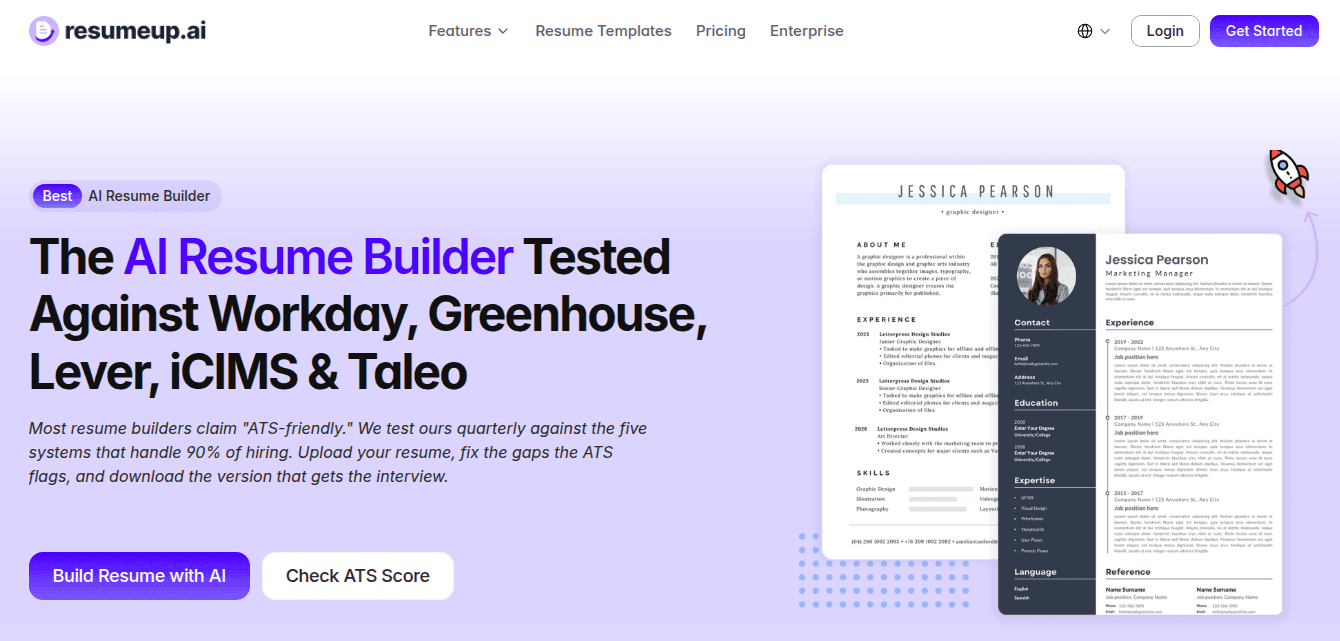
ResumeUp.AI scores your LinkedIn profile from 0 to 100, section by section (headline, About, experience, skills), and shows which recruiter keywords are missing. The LinkedIn score, headline generator, and summary generator are free with no credit card. The same account builds an ATS-tested resume from your profile; unlimited resume AI is the $29-a-month Pro plan ($8.25 a month billed annually).
It is the right pick if you are actively applying and want the profile and the resume to say the same thing.
Key Features
LinkedIn profile score (0–100, free) with fixes for each section
Free headline generator and summary generator
AI resume builder that turns the profile into an ATS-tested resume
Keyword gap report against any job description
AI job search agent that finds matched jobs and applies for you
Resume export as PDF or DOCX
Pricing
Plan | Price |
LinkedIn profile score, headline generator, summary generator | Free |
Free plan | $0, with 20 AI credits and basic templates |
Pro, monthly | $29 |
Pro, annual | $8.25/mo ($99 a year) |
Pros
Free 0–100 LinkedIn score with section-by-section fixes
Headline and summary generators included free
ATS-tested resume built from the same profile, checked against Workday, Greenhouse, Lever, iCIMS, and Taleo
Keyword gaps shown against a specific job description
Job tracker and job search agent in the same account
Limitations
LinkedIn tools are free; the 20 free AI credits cap how many resumes you can tailor before upgrading
No post scheduling or content analytics
ResumeUp.AI is ideal if you are actively looking for jobs and want a free LinkedIn score plus an ATS resume from one account. It is the only tool on this list where the LinkedIn side costs nothing.
2. Resume Worded – Detailed Recruiter-Style Resume Feedback

Resume Worded is a recruiter-made platform for resume writing and LinkedIn profile optimization using line-by-line resume analysis and job-targeted optimization that enhances your interview success rate – starting at $49/month.
This platform is suited if you’re targeting highly competitive roles and seeking very specific and personalized feedback on your resume and LinkedIn profile.
Key Features
Resume scoring system
LinkedIn profile optimizer
Line-by-line resume analysis
Resume targeting for positions
AI resume bullet-point improvement
Job search funnel optimization tips
Pricing
Plan | Price |
Monthly | $49 |
Quarterly | $99 (about $33/mo) |
Annual | $229 (about $19/mo) |
Pros
Created by professional recruiters
Very detailed resume feedback
Excellent LinkedIn profile optimization system
Helps boost interview conversion rate
A huge number of resume samples
Easily score and improve the resume system
Limitations
No job tracker or application management
Insights require a subscription
The user interface is more functional than modern
Resume Worded is ideal if you have started applying for jobs but receive no callbacks; it gives recruiter-style feedback section by section. If the price is the sticking point, see our Resume Worded alternatives.
3. Jobscan – ATS Resume Scanner For LinkedIn Job Matching
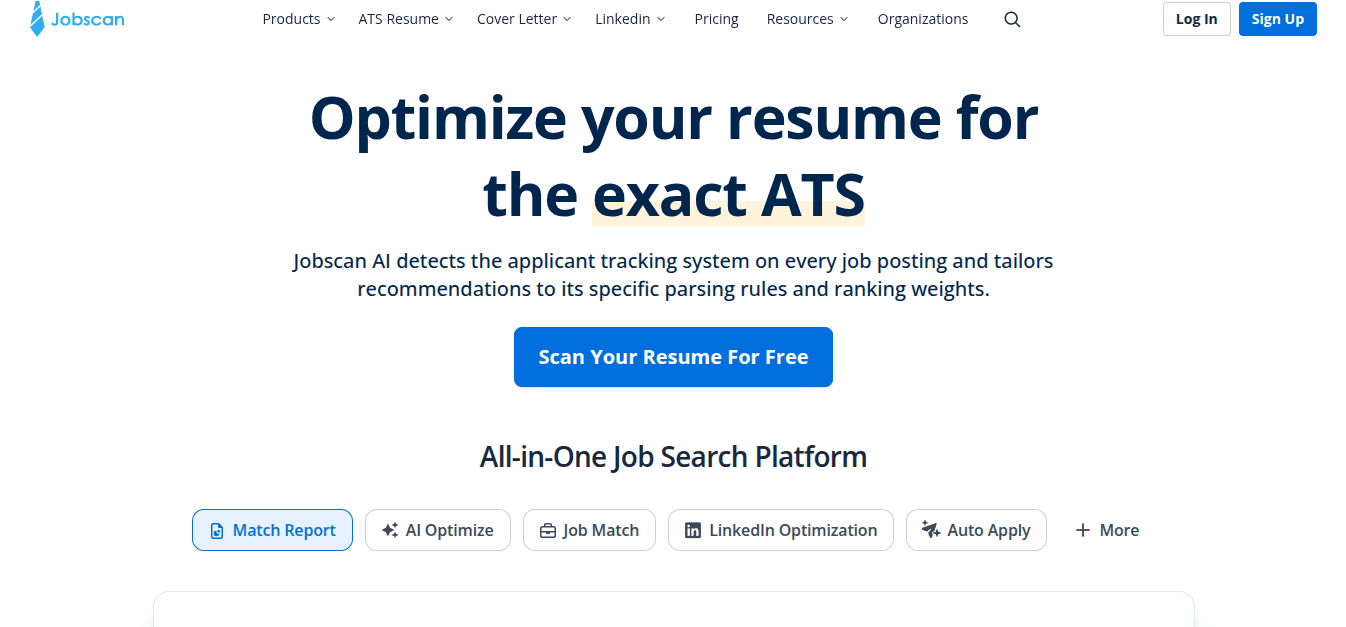
Jobscan, an AI resume optimizer and LinkedIn profile optimizer, is unique in offering a resume-to-job description matching score that provides immediate insight into whether critical skills and keywords are included in a resume, priced from $49.95/month.
Key Features
Analysis of resume match rates
Optimizing resumes for ATS and formatting checkups
Identification of skills/keywords that may be missing
Optimizing LinkedIn profiles
Creating resumes with ATS-compatible templates
Job tracking and matching
Pricing
Plan | Price |
Monthly | $49.95 |
Quarterly | $89.95 (about $30/mo) |
Pros
Optimization based on ATS compatibility
Scoring for assessing match rates
Can help boost callback chances
All-in-one job search platform
Easy resume-job comparison
Limitations
More sophisticated features come at a cost
Tends to push you towards keyword stuffing
Needs job descriptions for effective use
Jobscan is ideal if you are tailoring a resume to one posting at a time: paste the job description and get a match score with the missing keywords. We compare it head to head in Jobscan vs Resume Worded and list cheaper options in Jobscan alternatives.
4. ViralBrain – LinkedIn Content Tool For Creators And Personal Brands
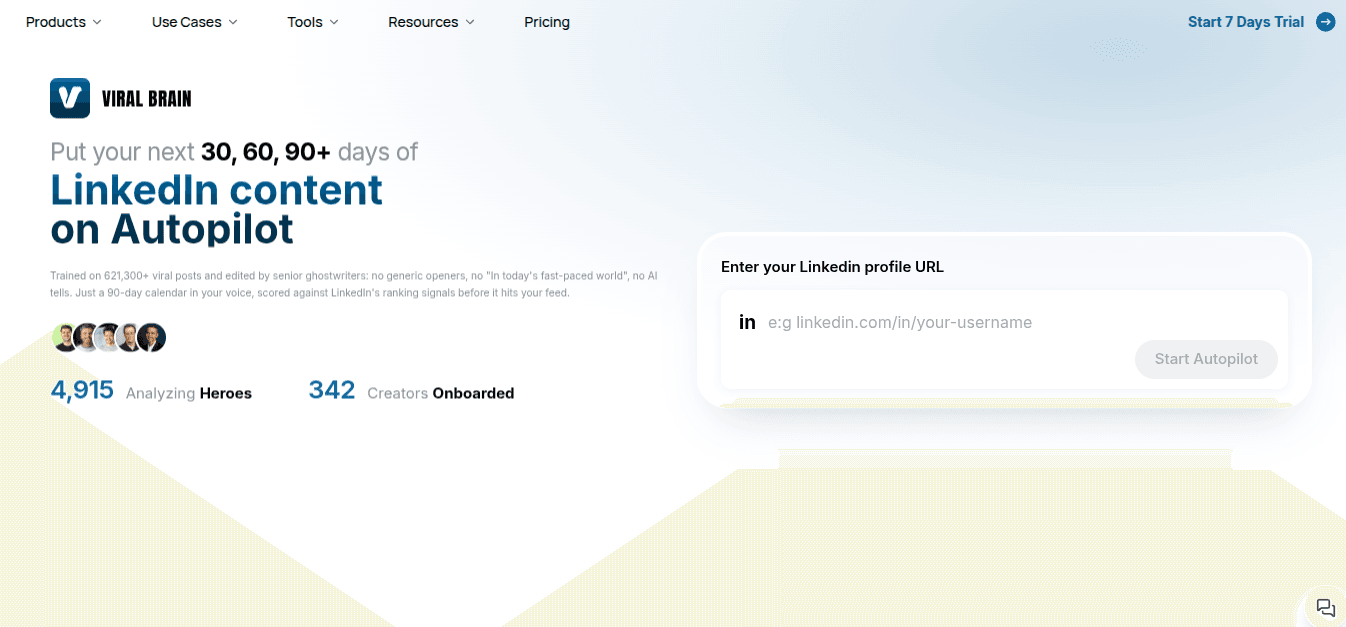
ViralBrain is a LinkedIn content and personal branding tool that analyzes which post patterns perform in your industry, builds a content calendar from your profile URL, and offers more than 80 free LinkedIn tools. Paid plans start at €39 a month (about $45); it bills in euros only.
Key Features
Analyze viral post patterns
Create content with AI
Optimize the hook and content creation process
Benchmarks for creators
Schedule your content with a calendar tool
80+ free LinkedIn growth tools, no signup
Pricing
Plan | Price |
Pro | €39/mo (about $45) |
Premium | €69/mo (about $80) |
Yearly billing | 2 months free |
Trial | €1 |
Pros
Built only for LinkedIn, so the recommendations fit the platform
Post suggestions are based on what performed in your industry
Hook rewriting is the strongest feature
90-day calendar generated from a profile URL
Limitations
LinkedIn only, no cross-platform support
Priced in euros, so the dollar cost moves with the exchange rate
No profile scoring, resume tools, or job matching
Only pays off if you post consistently
ViralBrain is ideal if you're a LinkedIn creator or professional who needs data-driven content creation, hook optimization, and scheduling tools in one platform.
5. Teal – Job Application Tracker With AI Resume Builder
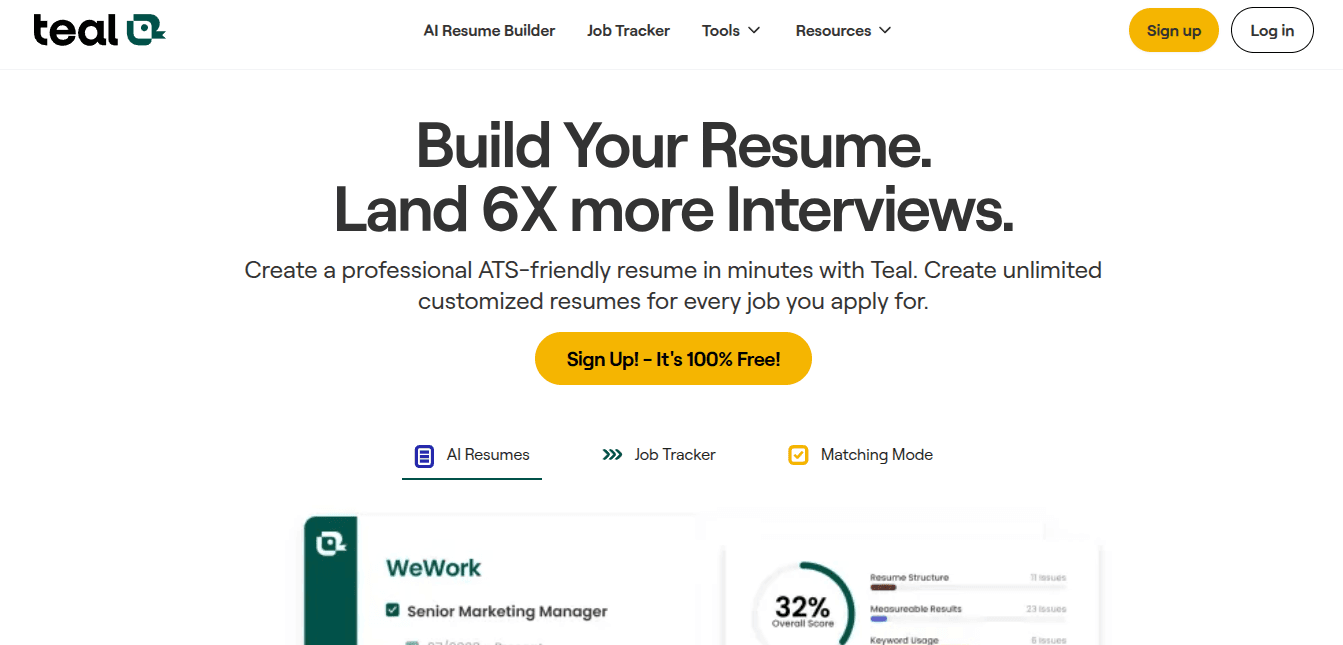
Teal is a combination of an AI-based resume builder and a job search management tool. The key difference is that Teal offers a one-stop dashboard combining keyword matching scores, application management, and personalized resume creation for each job listing, at $29 a month. A $13 weekly plan exists, but it works out to about $56 a month if you keep it running.
This platform is perfect if you would like to organize your job search in one place.
Key Features
AI resume builder
Resume keyword match finder
Job application tracker
Job recommendation insights
Job-specific resume creation
Pricing
Plan | Price |
Weekly | $13 (about $56/mo if you keep it running) |
Monthly | $29 |
Quarterly | $79 (about $26/mo) |
Pros
Job tracker, resume builder, and keyword matcher in one dashboard
Free plan covers tracking and a basic resume
Chrome extension saves jobs from LinkedIn in one click
Limitations
Advanced features require payment
The user interface is somewhat difficult
Not many features for LinkedIn users
AI recommendations require adjustments
Teal is a fit if you are juggling many applications at once and want the tracker, resume builder, and keyword matcher in one place. For LinkedIn profile work specifically it is thin; see Teal alternatives.
6. CareerFlow – All-In-One Career Management Platform
CareerFlow is an AI-powered tool focused on all stages of the career growth journey, including resume creation, skill assessment, interview preparations, and job searching — available from $23.99 a month, with a free tier. It is the broadest of the job-search platforms here.
Key Features
AI-powered Resume Builder (Automated for ATS)
Optimize LinkedIn profile
Job Tracker and Applications Management
Job analyzer using keywords
Interview preparation
Identify Skill gaps
Pricing
Plan | Price |
Premium, weekly | $8.99 |
Premium, monthly | $23.99 |
Premium, quarterly | $54.99 |
Premium, annual | $172.99 |
Premium Plus, monthly | $44.99 |
Pros
Job tracker, LinkedIn optimizer, resume builder, and interview prep in one account
Chrome extension auto-saves jobs to the tracker
Free plan includes the LinkedIn profile review
Limitations
Mock interviews need Premium Plus ($44.99/mo)
AI-generated resume text needs editing
More modules than most people will use
CareerFlow is ideal if you’re early in your job search and need help across all stages — LinkedIn optimization, resume writing, interview prep, and skills assessment.
7. Meet Sona – LinkedIn Content Tool For Non-Writers

Meet Sona turns a ten-minute voice interview into LinkedIn posts, newsletters, and blog drafts. You talk, it writes in your words. There is a free version with three drafts, and paid plans start at $24 a month.
Key Features
Voice Interview AI for content generation
Speech to LinkedIn Posts, Blogs, & Newsletters
Idea Generator
Repurpose Content in One Click
Scheduling on LinkedIn & Publishing
Transcripts of interviews
Pricing
Plan | Price |
Free | 3 drafts |
Creator, monthly | $24 |
Visionary, monthly | $59 |
Pros
Posts start from your spoken words, so they sound like you
One interview yields several weeks of posts
Visionary plan adds LinkedIn scheduling and post analytics
Free version to try before paying
Limitations
Scheduling and analytics need the $59 Visionary plan
Less control over wording than writing by hand
No profile scoring or job search features
Meet Sona is an ideal solution if you’re an influencer or a non-writer who wishes to create a genuine personal brand on LinkedIn but doesn’t have the time to create content manually.
8. Canva – Design Tool For LinkedIn Banners, Posts, and Resumes
Canva is a drag-and-drop visual design tool powered by AI that caters to the needs of LinkedIn users due to its rich collection of templates that can be used for posts, carousels, banners, and resumes, and doesn’t require any design skills. The free plan covers most LinkedIn graphics; Pro is $18 a month or $144 a year.
It is the easiest way to get a banner and post images that do not look like the defaults.
Key Features
Drag and drop design editor
Built-in templates (posts, banners, resume)
AI functions (text to image, Magic Design)
Brand kit (colors, fonts, logos)
Background removal
Social media calendar
Pricing
Plan | Price |
Free | $0 |
Pro | $18/mo or $144/yr |
Teams | $25 per user/mo |
Pros
LinkedIn-sized templates for banners, posts, and carousels
Free plan is enough for a banner and post graphics
Brand kit keeps colors and fonts consistent across posts
Limitations
No profile scoring or keyword analysis
Templates are widely used, so designs can look familiar
Background removal and brand kit are Pro-only
Canva is best suited if you’re interested in designing a professional-looking LinkedIn banner, post images, or a resume – even without any experience in graphic design.
How Did We Choose The Best LinkedIn Optimization Tools?
To ensure a fair and useful comparison, the tools were analyzed according to the following criteria: Core Functionality, User Experience, Pricing, LinkedIn Impact, Audience Fit, and Uniqueness. Each tool was rated on its features, public reviews, and hands-on use of its interface in August and September 2026.
Core Functionality – What the tool really helps you do (profile optimization, resume writing, content creation, analytics, and so forth)
User Experience – How user-friendly is it to navigate and manage
Pricing – Whether the features justify the cost
Impact on Your LinkedIn Profile – How well it works to raise your profile visibility and/or performance
Audience Fit – Whether the tool is really useful for its target audience (job seekers, content creators, professionals)
Uniqueness – What distinguishes this tool from similar ones
How Do You Choose The Right LinkedIn Optimization Tool?
Choosing the right LinkedIn optimization tool depends on your goal — job hunting, personal branding, or content creation.
If you're actively job hunting, you need profile scoring and keyword optimization. If you're building a personal brand, scheduling and analytics features matter more.
If you’re applying for jobs, ResumeUp.AI, Jobscan, and Resume Worded should be on your list. To enhance your personal brand using content creation, try ViralBrain and Meet Sona.
On a budget? ResumeUp.AI's LinkedIn score, headline generator, and summary generator are free, and Careerflow and Canva have free tiers that cover the basics. When the visual side needs work, Canva is the fastest fix.
Conclusion
Pick one or two tools and stick with them; more than that and the advice starts to conflict. If you are job hunting, start with the free LinkedIn profile score, fix the sections it flags, and add a content tool only once the profile is done.
Related reading: the best AI tools for job search and Jobscan vs Resume Worded.
Frequently Asked Questions
What is the best LinkedIn optimization tool in 2026?
For job seekers, ResumeUp.AI: a free 0–100 LinkedIn profile score with section-by-section fixes, free headline and summary generators, and an ATS-tested resume built from the same profile (Pro is $29 a month for unlimited resume AI). For content creators, ViralBrain (€39 a month). For an all-in-one job search workspace, Careerflow ($23.99 a month).
Are LinkedIn optimization tools free?
Some are. ResumeUp.AI’s LinkedIn profile score, headline generator, and summary generator are free. Careerflow and Canva also have free tiers, and Meet Sona gives three free drafts. Most tools put AI rewriting and detailed reports behind a paid plan.
Does LinkedIn optimization help get recruiter views?
Yes. LinkedIn’s Help Center says profiles rank in people search based on completeness, skills, network distance to the searcher, and standard job titles, and that skills are among the most common recruiter queries. A profile that carries the exact title and skills a recruiter types will appear in searches that a vaguer profile with more experience will not.
Which tool is best for LinkedIn profile scoring?
ResumeUp.AI (free, 0–100 with fixes per section) and Resume Worded ($49 a month, recruiter-style line-by-line feedback). Both show a score and tell you what to change in each part of the profile.
Can I use multiple LinkedIn optimization tools together?
Yes. A common stack is ResumeUp.AI for the profile score and keywords, Jobscan for matching a resume to a specific job description, and Canva for the banner and post graphics. Keep it to two or three tools; more than that and the advice starts to conflict.
How long does LinkedIn optimization take to show results?
LinkedIn does not publish an indexing window, and its Help Center says search order cannot be guaranteed. In practice, headline, About, and skills edits show up in search within a few days. Measure with the search appearances count in your profile analytics, and give recruiter messages about a month before changing course.
What is the best LinkedIn tool for content creators?
Which LinkedIn tool is best for founders and personal branding?

Rohith Reddy
Co-Founder
Rohith Reddy is the co-founder of ResumeUp.AI and a former hiring manager who conducted 500+ technical interviews over a decade at companies including ADP. His hiring-market research at ResumeUp — including studies on ghost jobs and AI's impact on entry-level hiring — has been covered by Entrepreneur. A Computer Science graduate, he writes about what recruiters and ATS systems actually reward, from both sides of the hiring table.