All Blogs
Top 11 Best Resume Builders for 2026: Review (Pros & Cons)
Tested the top 11 resume builders of 2026 - ranked by ATS accuracy, AI features, templates, and pricing. Here's which ones are actually worth it.
Your resume gets an average of 7.4 seconds of recruiter attention, according to a 2018 Ladders study. That's not much time to make an impression - which is why the resume builder you choose actually matters.
We reviewed the top 11 resume builders of 2026 - looking at AI features, ATS compatibility, templates, pricing, and ease of use.
Some nailed it. Others looked polished until you hit the paywall at download. Here's what we found across the best resume builders worth your time.
TL;DR — Quick Comparison Table
Short on time? Here is a quick snapshot of the best resume builders to help you decide which one fits your needs.
Resume Builder | Best For | AI Features | Free Plan | Starting Price |
|---|---|---|---|---|
ResumeUp.AI | AI-powered, ATS-optimized resumes | Yes | Yes | $4.49/mo |
Wix | Design-focused, unlimited free resumes | Partial | Yes (fully free) | Free |
Kickresume | Visually creative resumes | Yes | Limited | $7/mo |
Zety | Step-by-step guided building | Yes | No | $2.70 trial |
Canva | Creative templates & design freedom | Limited | Yes | Free |
Teal | Job tracking & resume tailoring | Yes | Limited | $9/week |
Resume Genius | Pre-written bullet points | Yes | No | $2.95 trial |
Enhancv | Creative roles & direct editing | Yes | Limited | $13.33/mo |
VisualCV | Colorful, visual resumes | No | Limited | $17/mo |
Novoresume | Modern, ATS-friendly templates | Yes | Limited | $19.99/mo |
Resume.io | Simple, clean interface | Yes | Limited | $2.95 trial |
Why Does ATS Compatibility Matter When Choosing a Resume Builder?
ATS compatibility determines whether your resume reaches a human recruiter at all.
Most of the resume builders focus on design. But a visually impressive resume is built without taking note of the ATS screening test, which will be completely unreadable by ATS.
Here is what an ATS-friendly resume template must do:
Use a single-column layout with no graphics or tables
Export clean, machine-readable PDF or Word files
Use standard section headings - Experience, Education, Skills
Avoid headers, footers, and text boxes that ATS systems skip
Use standard fonts like Arial, Calibri, or Times New Roman, and stick to resume colors that ATS parsers can read
Avoid decorative font sizes - keep body text between 10–12pt
If your resume builder does not check these boxes, your application may never be seen - regardless of how qualified you are.
Top Resume Builders of 2026: In-Depth Reviews and Comparisons
1. ResumeUp.AI
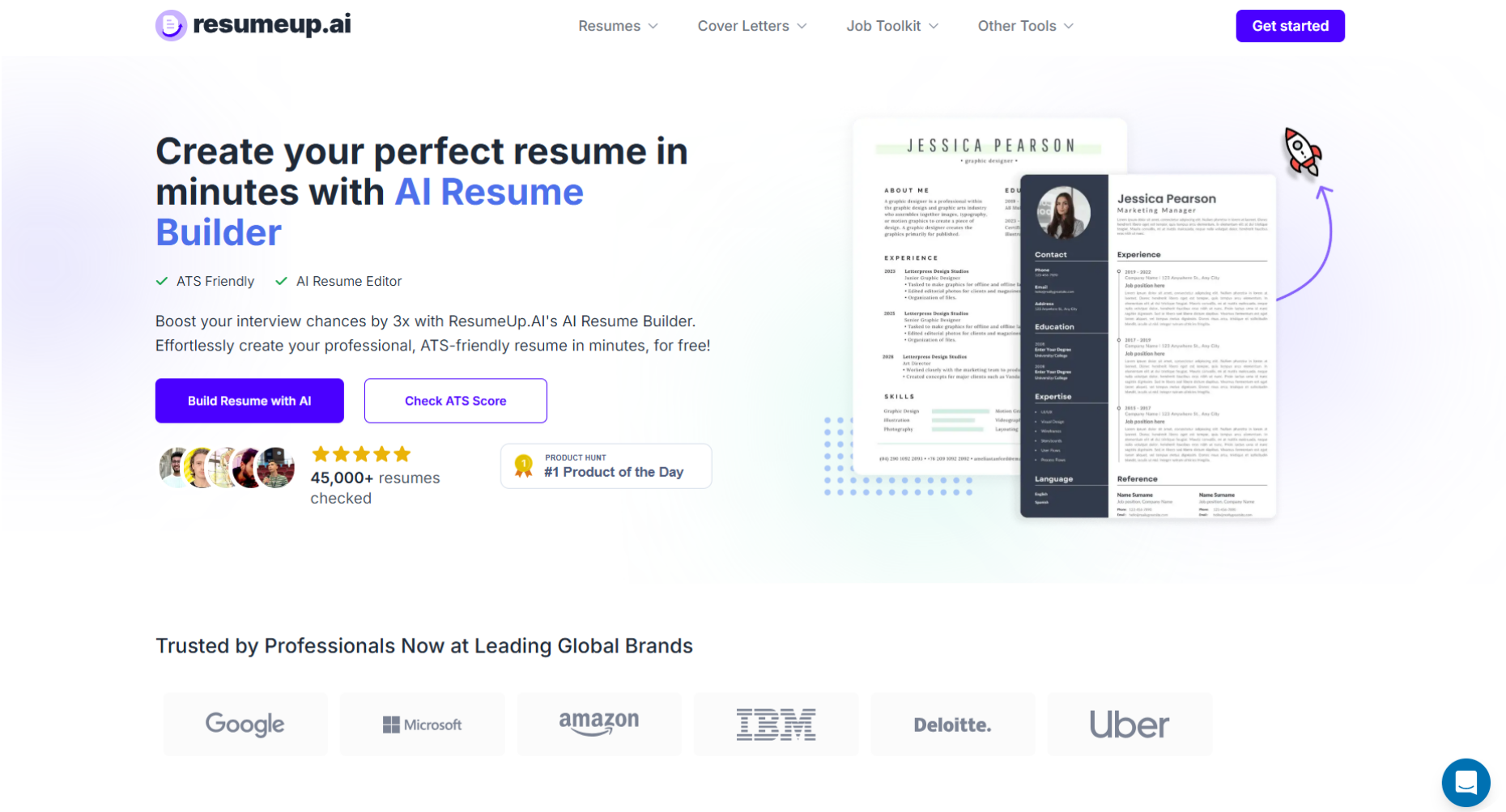
ResumeUp.AI is an AI-powered resume builder that helps you create ATS-optimized resumes tailored to any job description - with built-in resume scoring, one-click tailoring, and cover letter tools, all starting at $4.49/month.
It is not because we are from ResumeUp that I consider this the best resume builder, but that is what our customers say about us. Look at some of our success stories and how our resume builder has helped our users:
"Helped me massively collect all the info I needed & order it into the perfect document - I felt far more comfortable submitting my resume to jobs & companies afterwards!" - Sam
"Best resumes are created by the best websites like ResumeUp.AI. I completely agree with my friends that this is the best platform for resumes." - Steve Robert.
"The process was so smooth, and this AI is a little too impressive. I have never built such a perfect resume this fast, and now I can." - Chri.s
Features You Will Love
AI-Powered Resume Builder: Builds an ATS-optimized resume tailored to any job description - AI writes content for your Skills and Experience sections.
Resume Checker: Scan your resume and get an ATS score and actionable feedback points.
Chat-Based: Chat with AI to build your resume while watching a live preview update in real time.
One-click resume tailoring: Complete your profile and feed the job description to create a matching resume with one click.
Reordering Sections: Drag and reorder resume sections to match what each job posting prioritizes.
Customizable Templates: Change colors, fonts, and layouts to fit the role you're targeting.
LinkedIn Optimization: Strengthen your LinkedIn profile directly from the platform — no separate tool needed.
Where It Falls Short
Limited Free Credits: The free plan includes only 20 AI credits - enough to get started, but you'll need a paid plan for heavy usage.
Pricing
Plan | Pricing |
|---|---|
Monthly | $12.99/month |
Quarterly | $7.99/month |
Annually | $4.49/month |
2. Wix Resume Builder
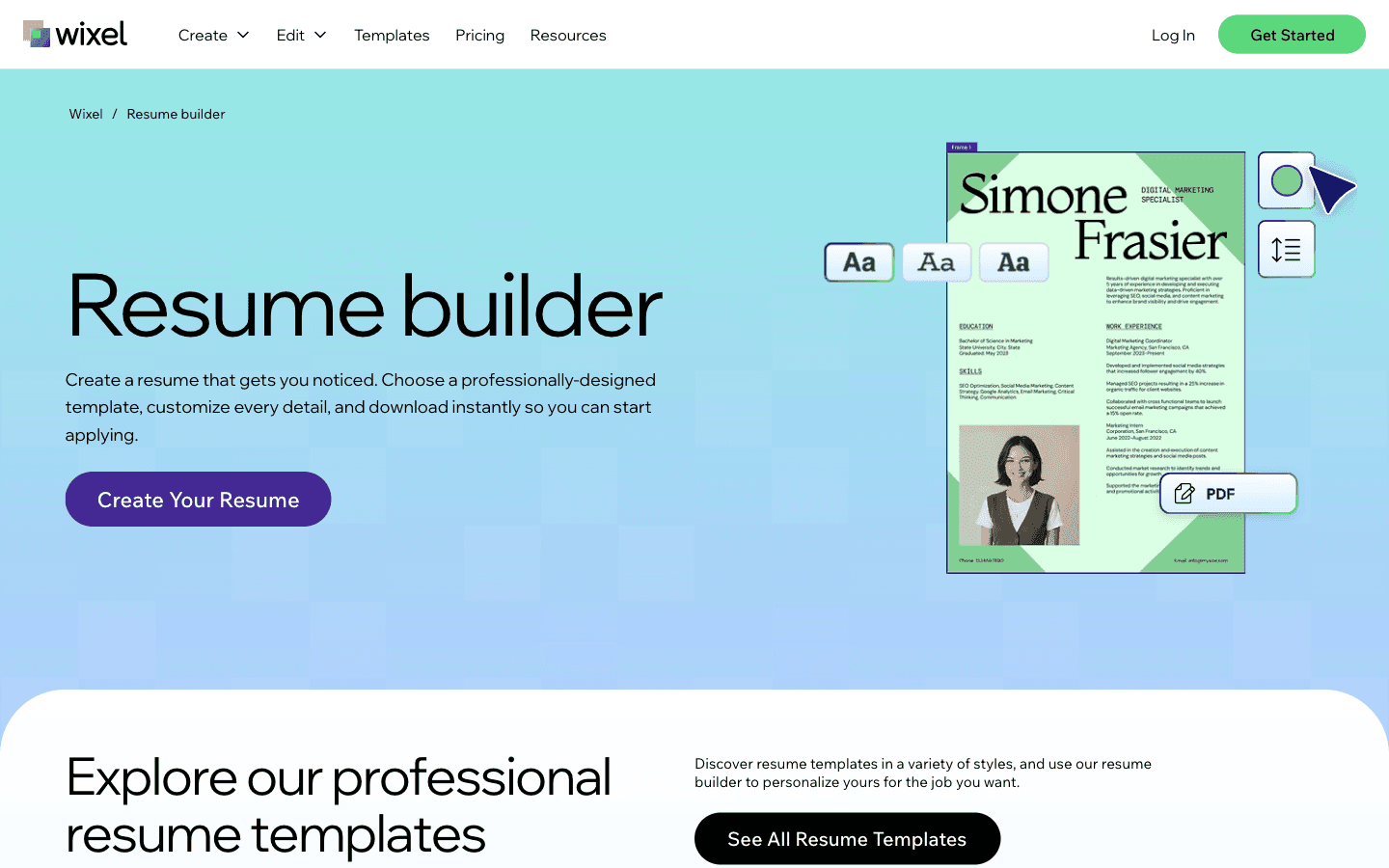
Wix Resume Builder is a completely free resume builder that lets you create polished, ATS-friendly resumes with full design control. It stands out with its designer-made templates, AI-powered tools, and the ability to create unlimited resume variants within one workspace.
Features You Will Love
Designer-Made Templates: Choose from a wide range of professionally designed templates filterable by style — modern, classic, editorial, or portfolio-forward — across multiple industries.
Full Customization: Adjust fonts, resume colors, spacing, section ordering, and layout to make your resume truly your own.
Unlimited Variants: Duplicate and create as many alternate versions of your resume as you like within one workspace, making it easy to tailor resumes for different roles.
AI Portrait Generator: Transform regular selfies into polished, resume-ready professional headshots using AI.
AI Color Palette Generator: Upload reference images to extract precise color schemes for your resume design.
PDF Export: Download your resume as a PDF with file size and quality control, ready for uploading to application systems.
Where It Falls Short
No AI Content Writing: Unlike some competitors, Wix does not offer AI-generated content suggestions for resume sections like experience or skills.
No ATS Score Checker: There is no built-in feature to scan your resume against a job description and provide an ATS compatibility score.
No Cover Letter Tool: The platform focuses solely on resume building and does not include a cover letter generator.
Better for designers than writers: If you need AI to write your bullet points or guide you section by section, Wix isn't the right fit.
Pricing
Plan | Pricing |
|---|---|
Free | $0 (all features included) |
3. Kickresume
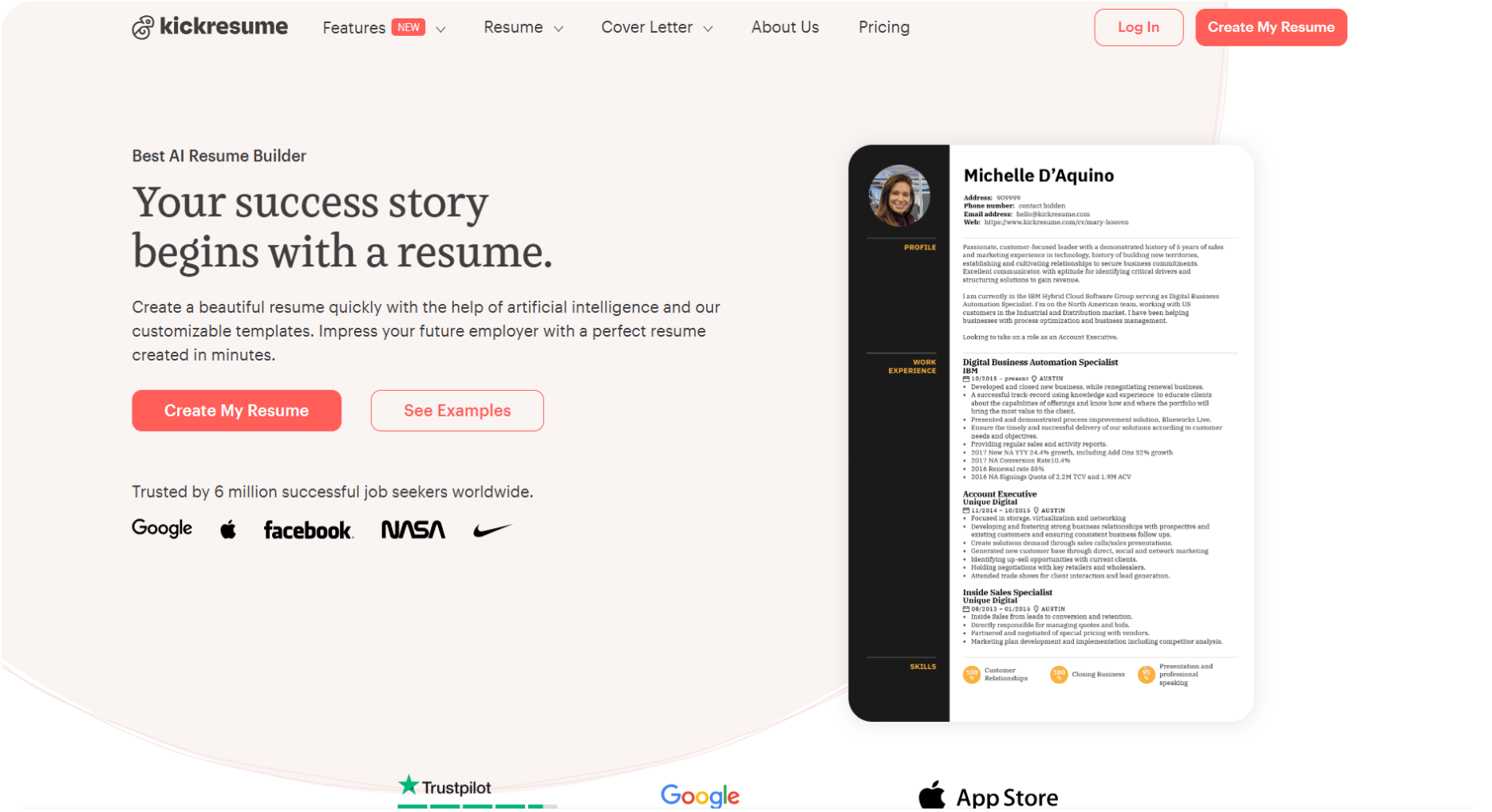
Kickresume is a resume builder built for visually creative resumes — with AI writing across every section, profession-based templates, and section-by-section feedback, starting at $7/month.
Features You Will Love
Templates: Filter templates by profession or industry — ATS-friendly options are clearly marked.
AI Writer: There is an AI writer for every section to ensure the resume content across all sections looks professional and is tailored to the role.
Enhance Options: Not only your resume content, but Kickresume also allows you to change and modify the font styles, background color of the resume, and other design elements.
Section Reviews: After completing each section, you get instant feedback showing what's working and what needs fixing.
Where It Falls Short
Limited free use: Kickresume could have allowed for more free credits and free resume templates.
Resume Tailoring: This feature is allowed only for premium users, and also, the AI writer option for all sections has a very limited number of free credits.
Proofreading: The Proofreading option is also highlighted, but then it is available for payment only.
Template styles lean creative: If you're in a traditional industry like finance or law, the designs may feel too bold.
Pricing
Plan | Pricing |
|---|---|
Monthly | $19 |
Quarterly | $13/month(3 months) |
Annual | $7/month (12 months) |
4. Zety
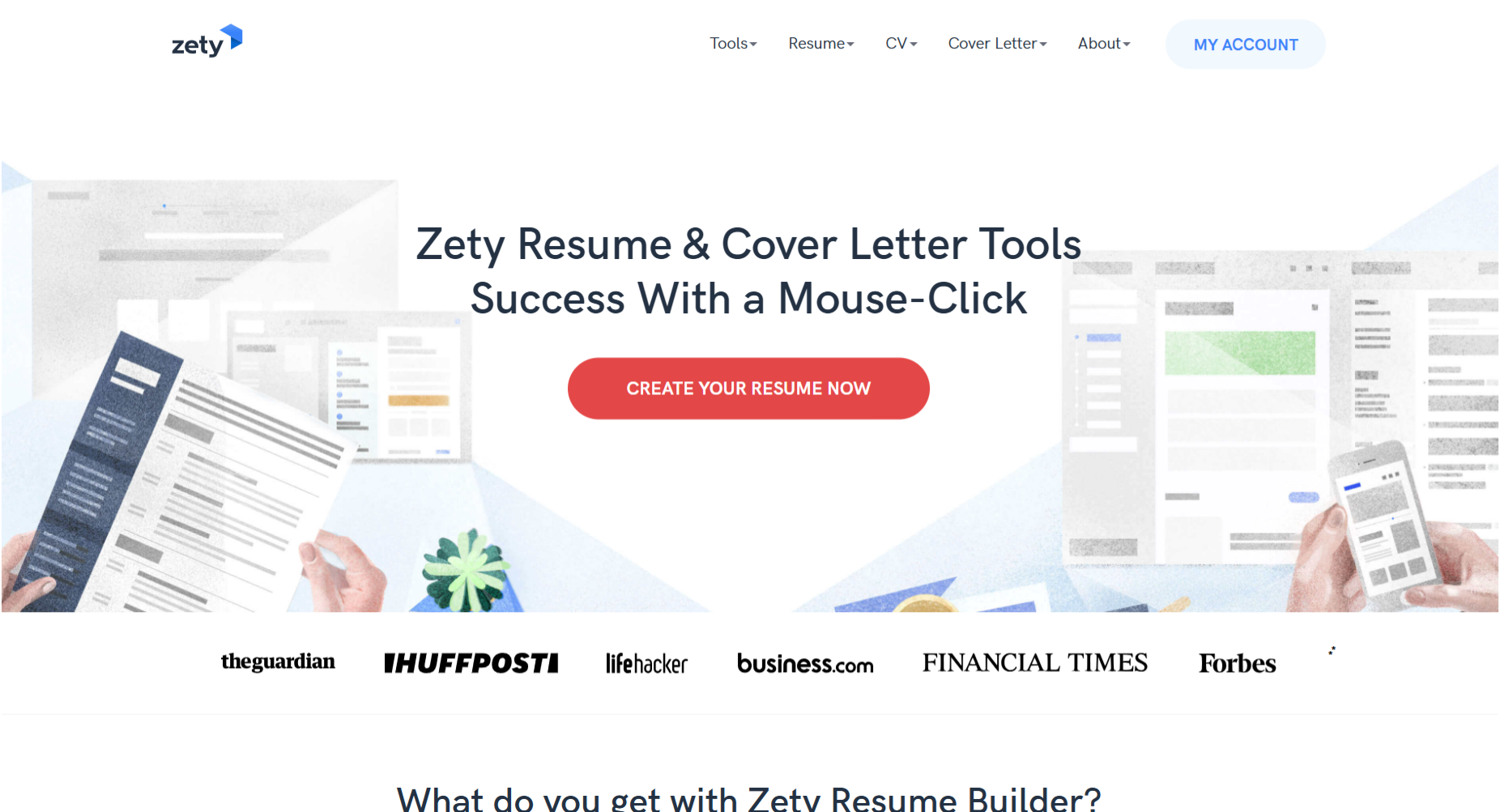
Zety is a step-by-step resume builder designed for first-time resume writers — guiding you through every section with suggestions, pre-written content, and industry-based templates, starting at $2.70 for a 14-day trial.
Features You Will Love
Proper Assistance: Zety walks you through every section from start to finish - template selection, content suggestions, and formatting included.
Industry-Based Templates: Zety gives you templates based on your job industry.
Filter Options and Skill Rating: Filter pre-written skill descriptions by keyword and get a rating on how well your skills are presented.
Free Proofreading: I found this feature relaxing because many other builders out there asked me to pay for proofreading, but Zety does it for free.
Where It Falls Short
Basic templates: Many of the templates follow the same pattern, making them basic.
One section at a time: You can't jump around freely while building.
The guided approach can feel slow: Tips and suggestions pop up throughout, which some users find helpful and others find distracting.
No free download: You'll build the entire resume before hitting a paywall at download.
Pricing
Plan | Pricing |
|---|---|
14-Day-Trial | $2.70 |
Annually | $5.95 /month (To pay in advance: $71.40) |
5. Canva
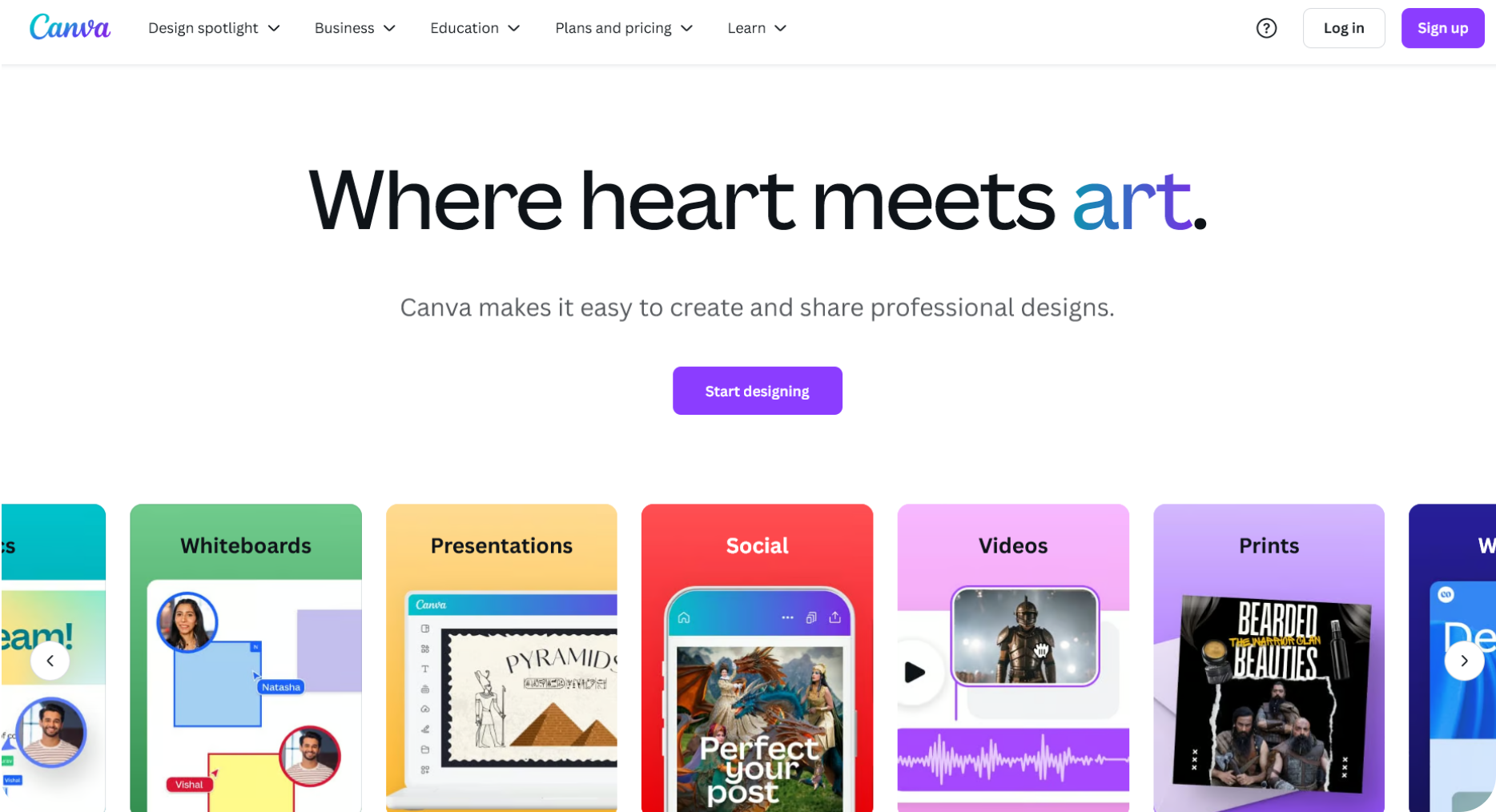
Canva is a free graphic design tool that doubles as a resume builder — offering hundreds of templates, full design customization, and a basic AI writing feature, all free to start.
Features You Will Love
Hundreds of templates: Canva has one of the largest template libraries of any tool on this list - filterable by industry, style, and color.
Completely Free: The best thing for any job seeker. Who does not prefer free but impressive resumes? Canva is the go-to option for free features.
Magic Write: Canva's built-in AI writing tool generates summaries and skill descriptions - it's basic compared to dedicated resume builders but gets the job done for simple use cases.
Customization: Change fonts, layouts, colors, and even import design elements from the web to make your resume stand out.
Where It Falls Short
ATS-Risk: Canva wasn't built for ATS compatibility — heavily designed resumes may not parse correctly in systems like Workday or Greenhouse.
No Career-Specific Suggestions: You won't get role-based content recommendations - everything is manual.
No Built-in Resume Checker: No built-in ATS scoring or grammar checking, so you may have typos and grammatical errors in your resume, which will make you look unprofessional.
Pricing
Plan | Pricing |
|---|---|
Free | $0 (access to free templates and basic features) |
Canva Pro (Monthly) | $15/month |
Canva Pro (Annual) | $120/year ($10/month) |
Canva for Teams | $10/month per person (annual billing) |
Resume building in Canva is almost free, but if you want to use highly visual-oriented resume templates that are marked as premium, you might have to purchase the software. Otherwise, you can create compelling resumes in Canva for free.
6. Teal
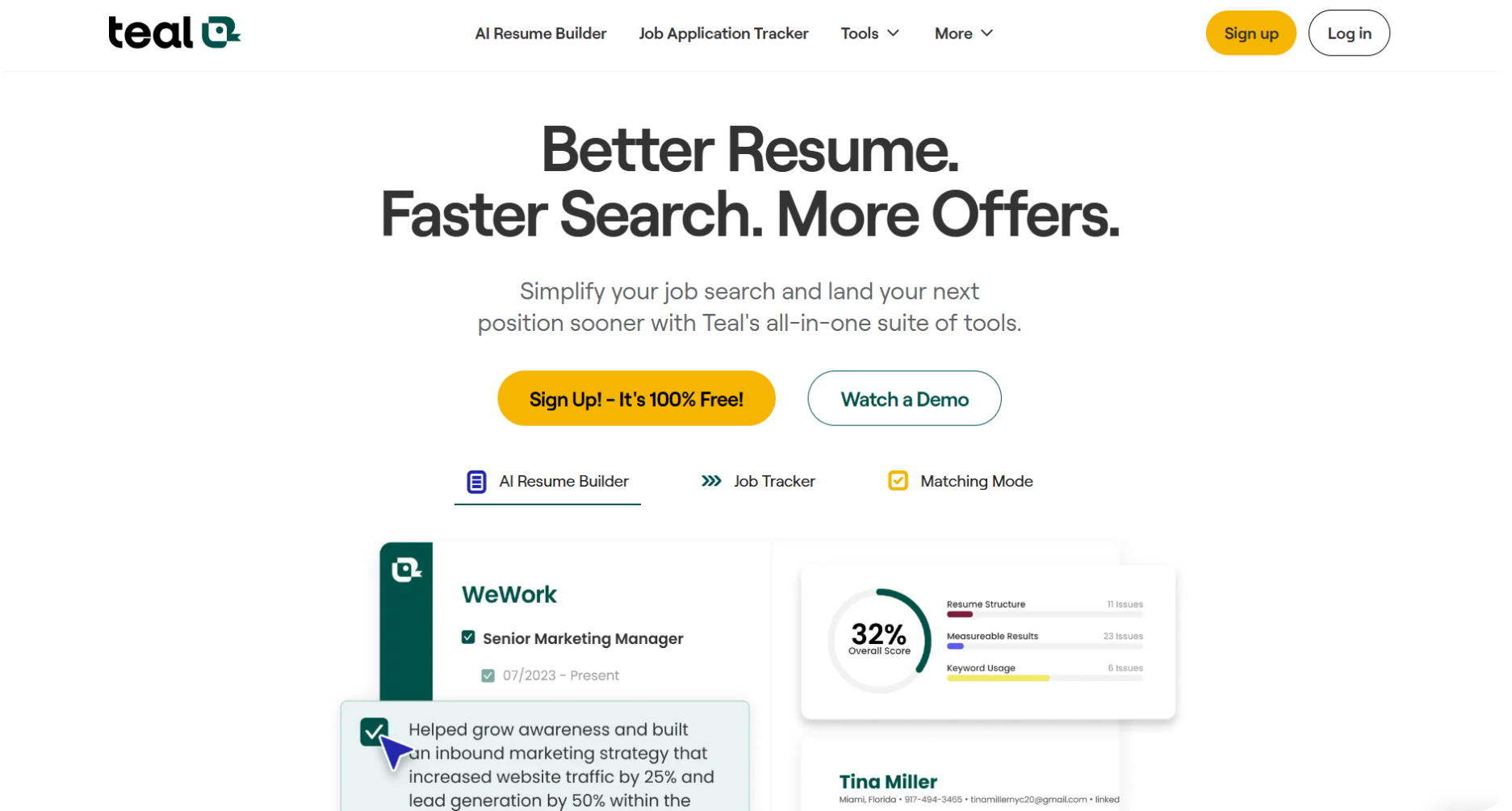
Teal takes a different approach - instead of just building resumes, it helps you manage your entire job search. Track applications, match resumes to job descriptions, and build cover letters, all in one place. Plans start at $9/week.
Features You Will Love
Built-in Resume Analyzer: Get an ATS score after building your resume and compare it directly against your target job description.
Section Ordering: Teal allows you to order your sections as you wish, and you can also edit your section names.
Cover Letter Builder: Build a tailored cover letter alongside your resume - no switching between tools.
Job Tracking: Track every application, resume version, and follow-up in one dashboard - ideal for active job seekers managing multiple applications.
Where It Falls Short
Generic Templates: Fewer template options than most builders on this list - and they all follow a similar style.
No Custom Sections: You're locked into Teal's preset sections - can't add any other specific section.
Not Ideal for Creative Roles: Template designs are clean but conservative - graphic designers or creative professionals will need something more visually flexible.
Pricing
Plan | Pricing |
|---|---|
Weekly | $9 ($1.28/day) |
Monthly | $29 ($0.96/day) |
Quarterly | $79 ($0.87/day) |
7. Resume Genius
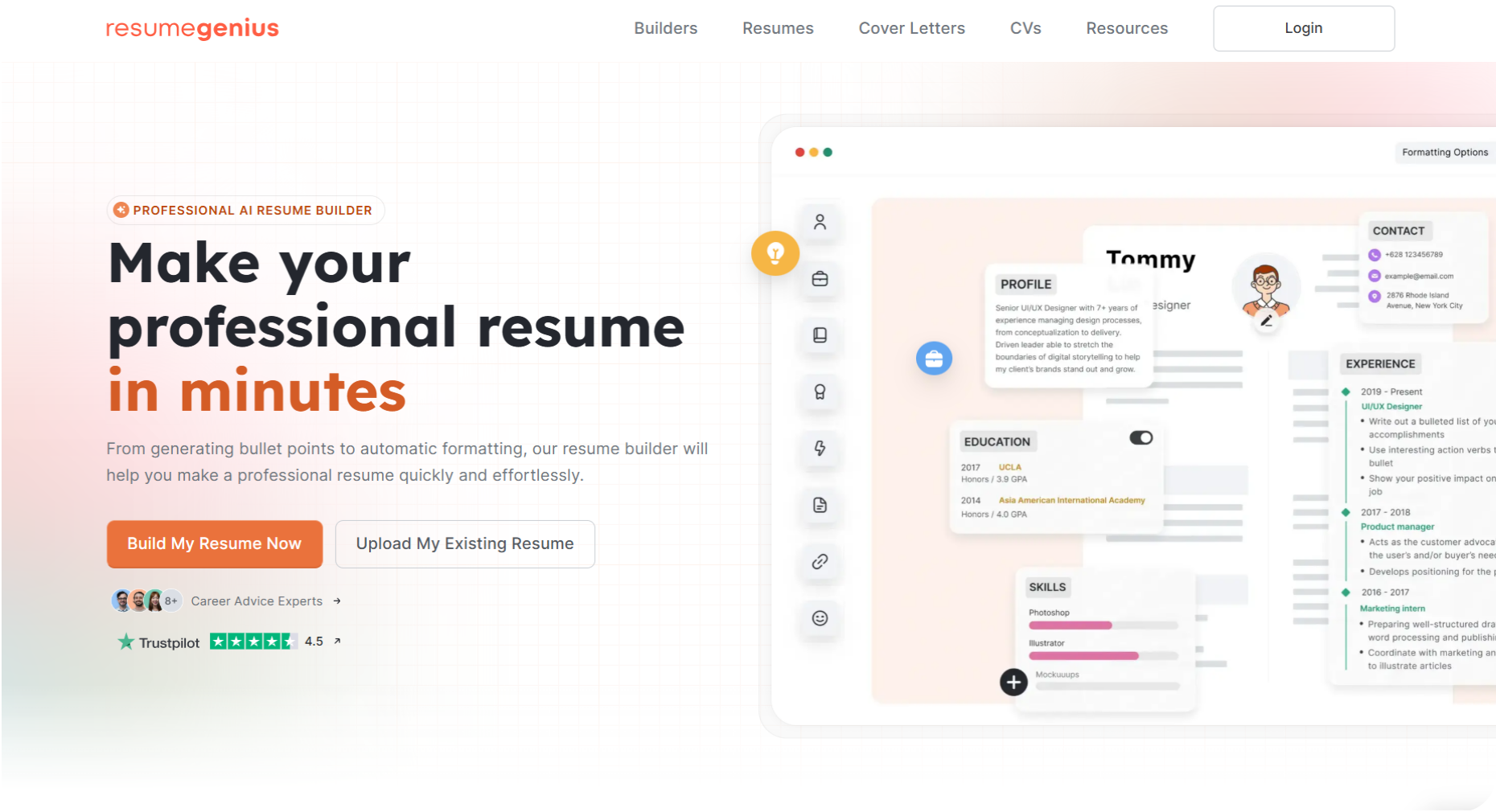
Resume Genius takes the guesswork out of resume writing — with expert-verified, pre-written bullet points for hundreds of job titles, skill recommendations, and step-by-step guidance, starting at $2.95 for a 14-day trial.
Features You Will Love
Pre-Written Bullet Points: Pick from expert-verified bullet points organized by job title - no writing from scratch.
Skill Recommendation: I loved this feature, where Resume Genius recommends skills based on the job title that you provided for your resume.
Template Customization: You can even change the color of the template while choosing it. You can always change it later.
Section Tips: Helpful guidance appears for every section while you build - useful if you're not sure what to include.
Where It Falls Short
Late Preview of Resume: You can't see how your resume looks while building it - the preview opens in a separate tab only after you're done.
Limited Customization: Font, color, and layout options are minimal compared to other builders on this list.
Paywall at Download: You'll complete the entire resume before being asked to pay - there's no free download option.
Pricing
Plan | Pricing |
|---|---|
Trial Period | $2.95 for 14 days |
Annual | $7.95/month (billed $95.40) |
8. Enhancv
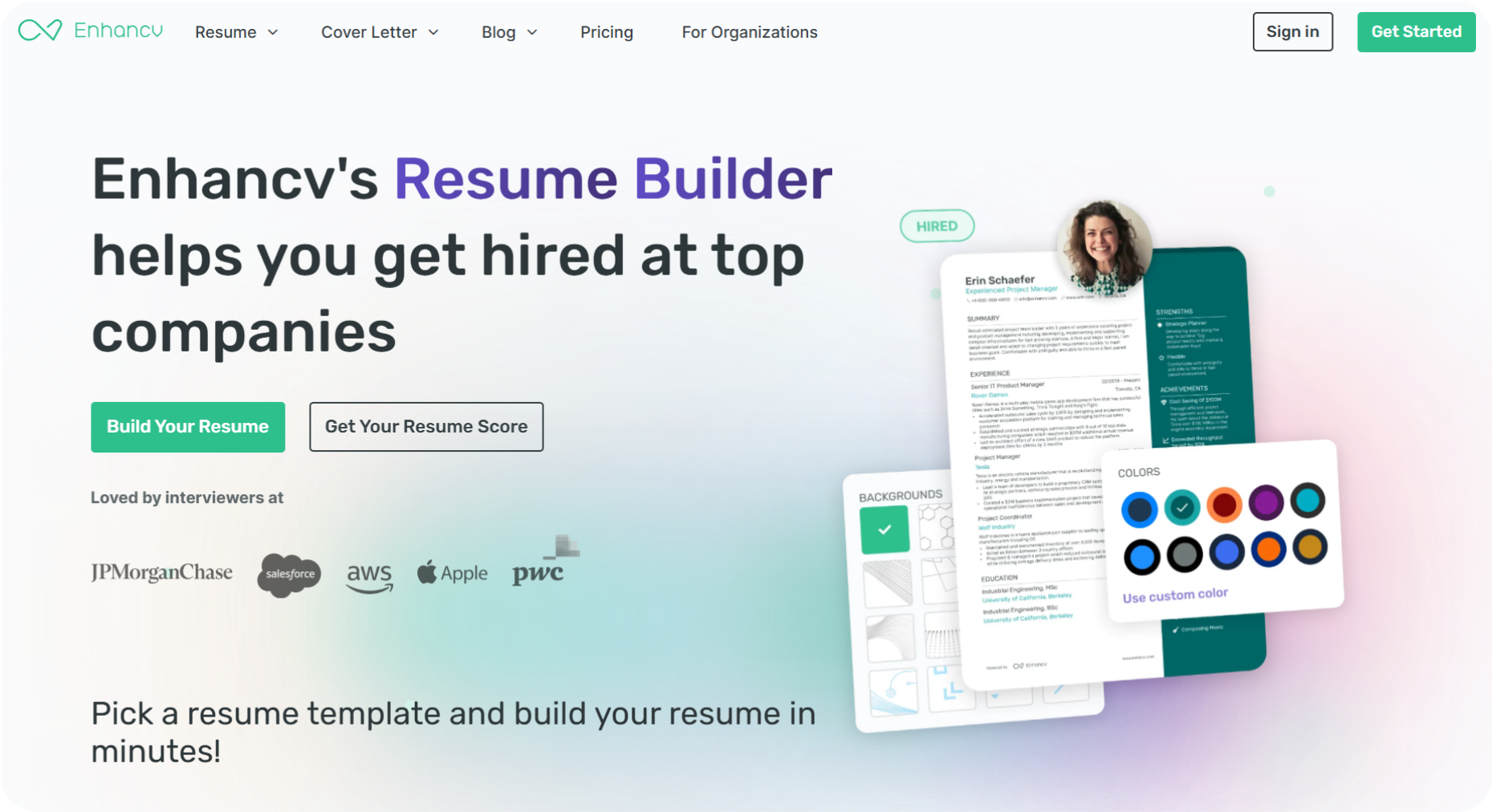
Enhancv targets creative professionals who want more than a standard resume - think infographic-style layouts, personality sections, and direct in-resume editing. AI writing assistance is built in, starting at $13.33/month.
Features You Will Love
Creative Templates: Layouts go beyond the standard format - ideal for designers, marketers, and creative roles where standing out visually matters.
AI Assistant: After filling in your sections, the AI can rewrite content, translate your resume, or generate a cover letter - all from the same interface.
Formatting: Adjust fonts, colors, backgrounds, and section order to match the role you're targeting.
Direct Changes: Directly input your details in the resume without having to add them in separate boxes.
Where It Falls Short
Payment: You can download the resume only if you have an active subscription plan.
ATS Suggestions Locked: You get an ATS score on the free plan, but actionable improvement suggestions require a paid plan.
Pricing
Plan | Pricing |
|---|---|
Monthly | $24.99 |
Quarterly | $16.66/month ($49.97) |
Semi-Annual | $13.33/month ($79.94) |
9. VisualCV
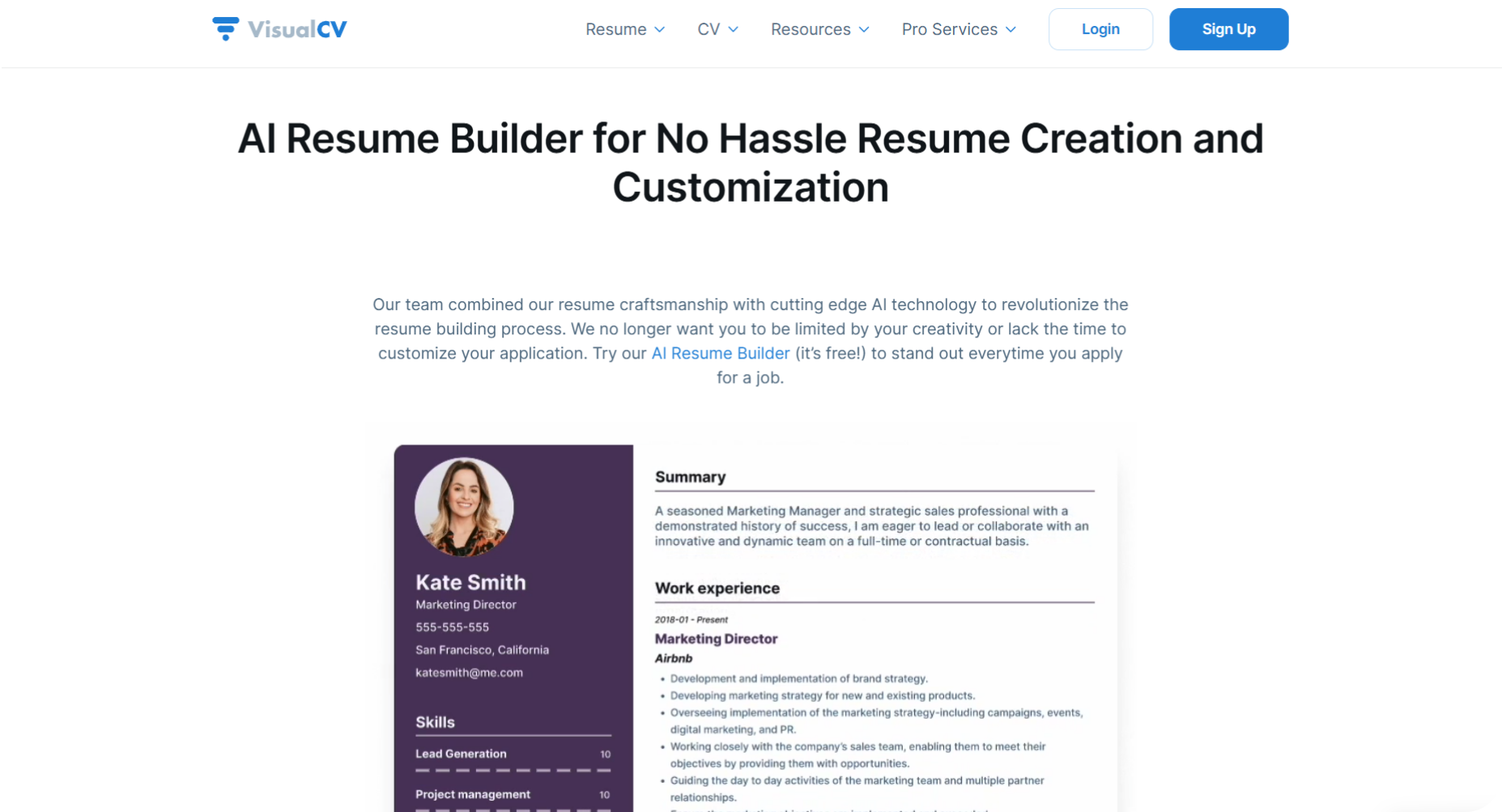
VisualCV goes heavier on design than most builders here — colorful templates, direct live-preview editing, and flexible section control. It works well once you get the hang of it. Plans start at $17/month, billed quarterly.
Features You Will Love
Customizable Templates: You can change the color and font and add and remove sections from the templates.
Direct Changes: You can directly change your details in the live preview itself.
Colorful templates: There are many colorful templates.
Where It Falls Short
Complex User Interface: First-time users often spend more time navigating than building.
Limited Resume Building: You cannot build multiple resumes either. There's a limit to it.
No AI Writing: Everything is manual. No content suggestions, no bullet point generation, nothing.
Pricing
Plan | Pricing |
|---|---|
Monthly | $25 /monthly |
Quarterly | $17/month quarterly |
10. Novoresume
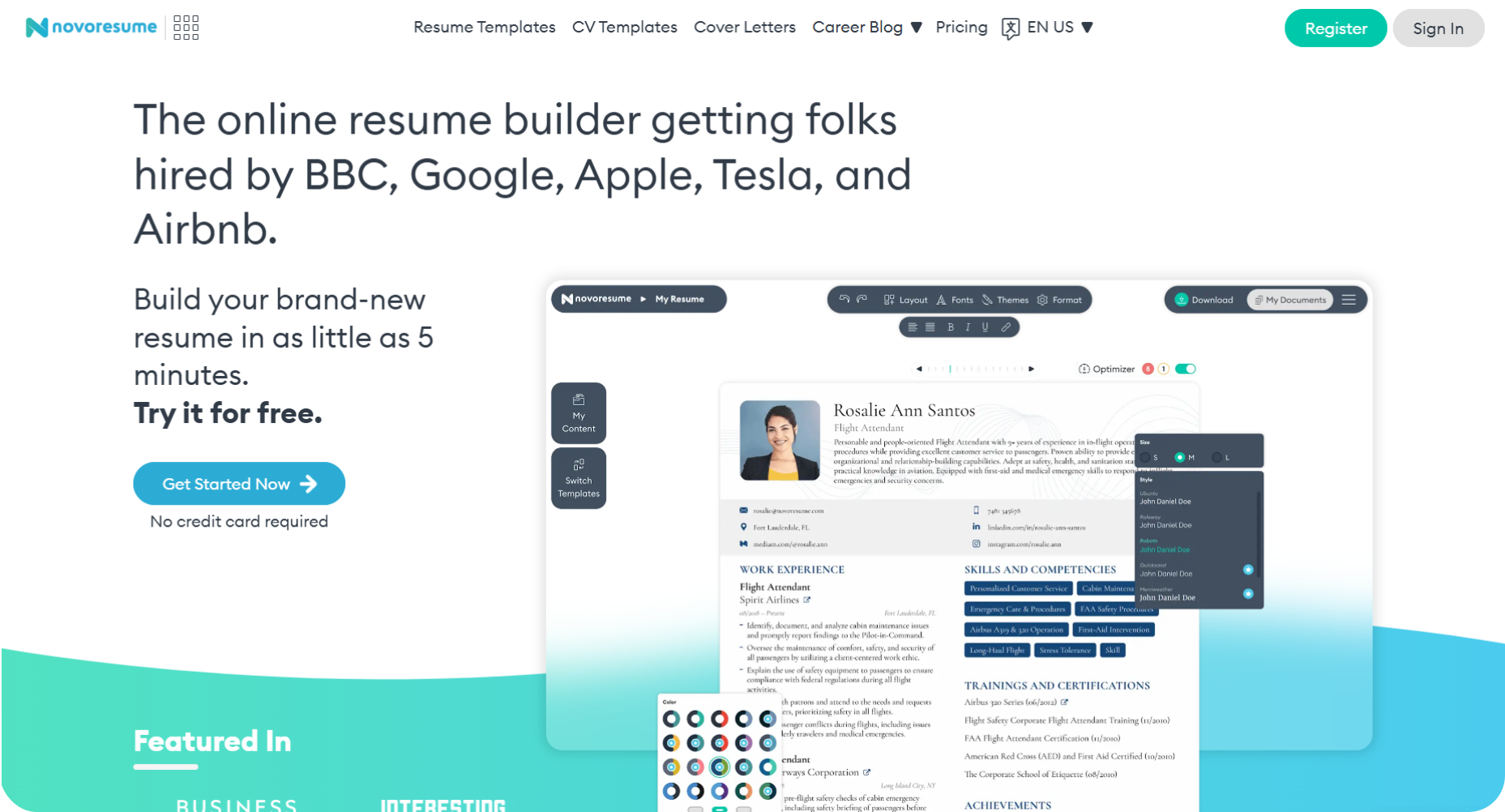
Novoresume is known for its modern templates and ATS-friendly templates that help you pass through the ATS easily.
Features You Will Love
Classified Templates: Novoresume classified the resume templates like 'Professional', 'Skill-based', 'Creative', 'College', etc.
AI Assistant: I could ask the AI assistant anything, and it answered me just like a chatbot. I find this an interesting feature.
My Content Option: There is an option called 'My content' where you can store your frequently used information so that when you build another resume next time, you can directly use the data without typing it again.
Optimizer: I got a resume optimizer option, which showed me the areas for improvement along with the suggestions.
Where It Falls Short
Limited Resume Building: I saw that I could build only one resume on a free basis. It asked me to upgrade to different language sets.
Tailoring the resume content: What I have observed is that Novoresume's AI assistant can give me role-based descriptions, but it does not have the option to tailor them to the job description.
User Interface: A personal opinion would be that the user interface could be slightly less complex. I was a bit confused while changing the details.
Pricing
Plan | Pricing |
|---|---|
Monthly | $19.99 |
Quarterly | $39.99 |
Yearly | $99.99 |
11. Resume.io
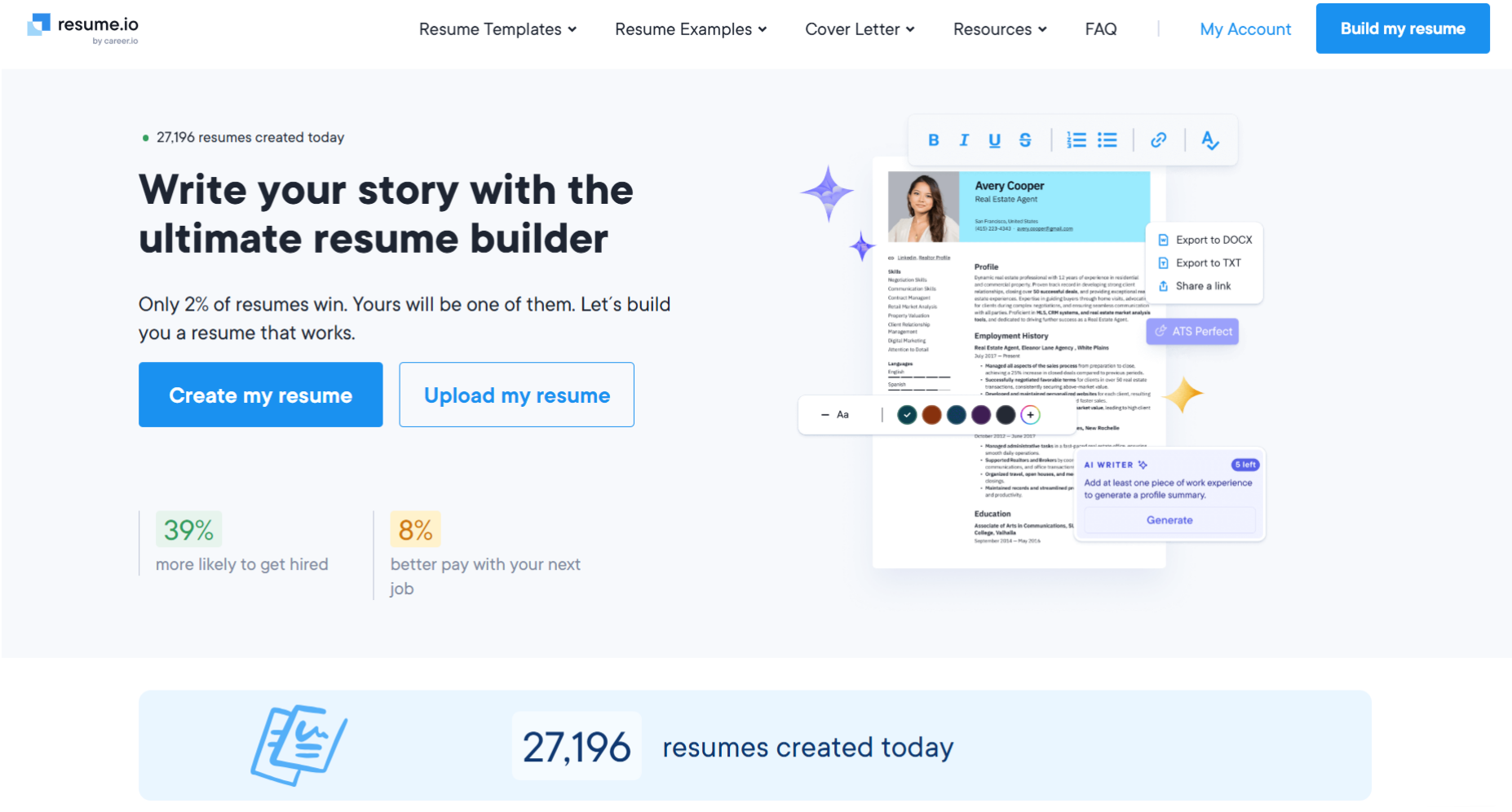
Resume.io gives you a calm user experience with its polished interface and clean templates with a little customization.
Features You Will Love
Simple interface: The interface is clean and easy to understand the working of the tool without any confusion.
Templates: In the template itself, you will find the format in which you can download the resume. The templates are professional and ATS-friendly.
Resume Score: The builder gave me my resume score and also an option to tailor my resume to the job.
Cover letter: There is also a choice to generate a quick cover letter tailored to your resume.
Where It Falls Short
Limited Resume Building: I could create only one resume, and later it asked me to subscribe to it to create more resumes.
Signing up: You will have to sign up to proceed with creating the resume.
Less Customization: The templates are very limited in number, and there is not much customization allowed either.
Pricing
Plan | Pricing |
|---|---|
7-day-trial | $2.95 |
Semi-annual | $44.95 (One-time payment) |
Annual | $74.95 (One-time payment) |
Which Resume Builder Should You Use?
The best resume builder in 2026 depends on your situation - but for most job seekers, the priority is simple: pick one that passes ATS screening and tailors to the job description.
Quick Pick
Your situation | Pick this |
|---|---|
You want AI to write and ATS-optimize your resume | ResumeUp.AI |
You're on a tight budget | Wix |
You're in a creative field | Kickresume |
You're writing your first resume | Zety |
You're juggling multiple applications | Teal |
You want creative templates with direct editing | Enhancv |
You need pre-written bullet points | Resume Genius |
You're a designer or marketer | VisualCV |
Every tool on this list has something going for it - but a resume that fails ATS screening never reaches a human. Pick your tool, tailor it to the job description, and apply.
Frequently Asked Questions
What is the best resume builder in 2026?
The best resume builder in 2026 depends on what you need - here are the top picks:
ResumeUp.AI - Best overall for AI writing, ATS scoring, and one-click job tailoring
Wix - Best free option with unlimited resumes and no paywall
Kickresume - Best for creative professionals who want bold, visual templates
Zety - Best for first-time resume writers who need step-by-step guidance
Teal - Best for active job seekers managing multiple applications at once
What is the highest rated resume builder?
ResumeUp.AI consistently ranks highest across review platforms for its AI features, ATS optimization, and ease of use. Kickresume and Zety also rank consistently high for design and guided building, respectively.
Is it worth it to pay for a resume builder?
Yes - especially if you're applying to the jobs actively. Free plans help you to start, but paid plans unlock unlimited AI credits, full ATS scoring, one-click resume tailoring, and cover letter generation. If you're applying for more than 3 jobs, a paid plan can save a lot of time.
What is a red flag on a resume?
A red flag on a resume is anything that makes a recruiter question your credibility before they even meet you. The most common ones are:
Unexplained employment gaps
Generic bullet points with no numbers or results
Typos and grammar errors
Job titles that don't match your LinkedIn profile
Sending the same resume to every job without tailoring
How do I make my resume ATS friendly?
An ATS-friendly resume uses a single-column layout, standard fonts like Arial or Calibri, and clear section headings like Experience, Education, and Skills. Avoid graphics, tables, text boxes, and colored fonts. The fastest way to check is to run your resume through an ATS resume checker before you apply - it scores your resume and tells you exactly what to fix.
What file format should I submit my resume in?
PDF is the best resume format for almost every job application - it preserves your formatting across all devices and ATS systems. Only use Word if the employer specifically requests it. Never submit a Google Doc link or image format.
What is the best free resume builder?

Rohith Reddy
Co-Founder
Rohith Reddy is the co-founder of ResumeUp.AI and a former hiring manager who conducted 500+ technical interviews over a decade at companies including ADP. His hiring-market research at ResumeUp — including studies on ghost jobs and AI's impact on entry-level hiring — has been covered by Entrepreneur. A Computer Science graduate, he writes about what recruiters and ATS systems actually reward, from both sides of the hiring table.